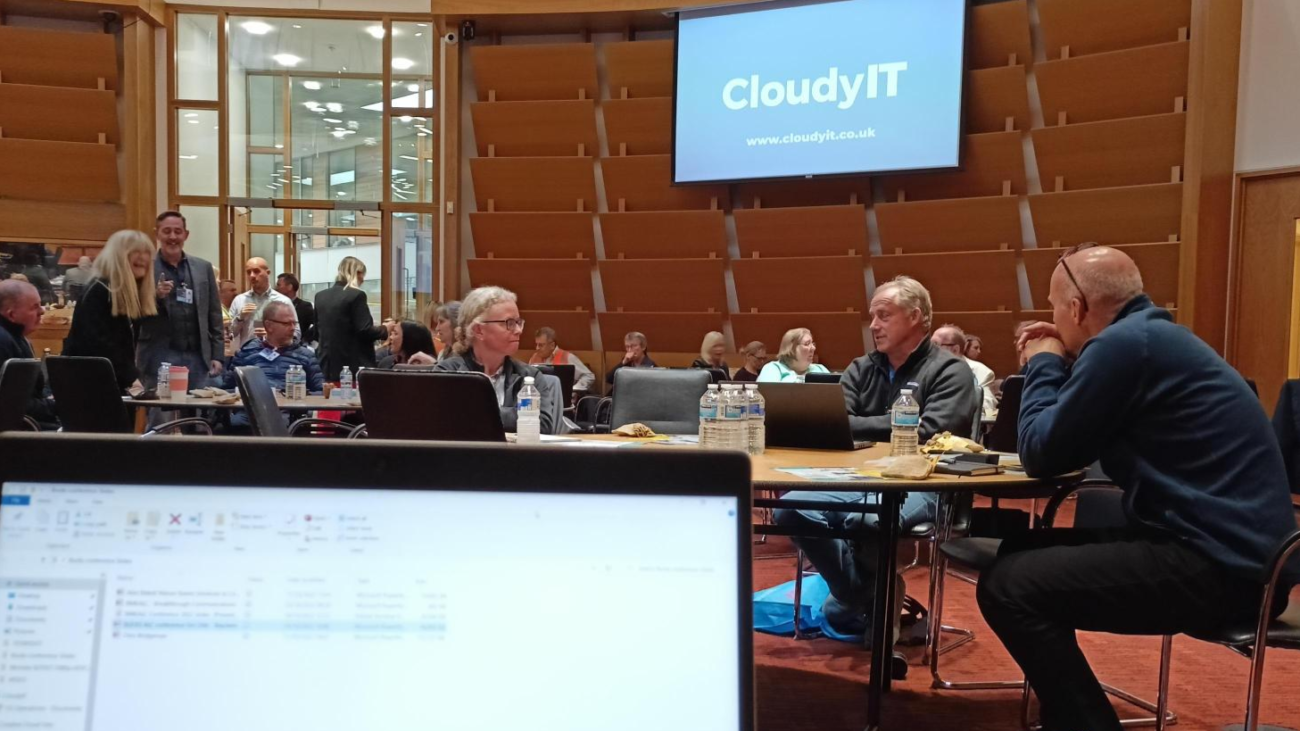
Cloudy It Supporting Remote Webinars

Angela Rayner’s Pledge to Support Virtual Meetings for Councils: How CloudyIT is Paving the Way

Angela Rayner’s Pledge to Support Virtual Meetings for Councils: How CloudyIT is Paving the Way

Angela Rayner’s recent announcement to support councils with standards reviews and virtual meeting enhancements highlights a major step in improving local government accessibility and transparency. CloudyIT is at the forefront of this transition, providing scalable virtual and hybrid meeting solutions tailored to Town and Parish councils across England and Wales.

CloudyIT’s Virtual Meeting Solutions: Tailored for Councils

Since the onset of COVID-19, CloudyIT has led the way in delivering robust virtual meeting setups for councils, installing nearly 100 systems to date. Our meeting solutions are designed to accommodate councils of all sizes, with flexible options that start at just £1,000. Whether your council requires a static or portable system, CloudyIT provides tailored setups that simplify virtual engagement, enabling councillors and residents alike to connect and participate seamlessly.

Our partnership with industry-leading vendors ensures councils receive reliable, high-quality technology solutions. From small parish councils to large council chambers, CloudyIT offers guidance and expertise through each step of the installation, setting councils up for success in today’s digital-first environment.

Case Studies: Real-World Success with CloudyIT’s Broadcasting Solutions

Neath Town Council: Neath Town Council has benefitted from CloudyIT’s virtual meeting technology, enhancing accessibility and streamlining operations. Katherine Charles shares why Neath chose CloudyIT for their broadcasting needs, noting the simplicity and reliability that made it the ideal solution. Watch her insights here.

Dunstable Town Council: Dunstable Town Council leverages CloudyIT’s hybrid meeting technology to improve resident engagement and enhance council efficiency. See the solution in action here.

Taunton Town Council: Recently, Taunton Town Council selected CloudyIT to upgrade their meeting technology with the Logitech Rally Bar and Sight Upgrade, a powerful combination that enhances audio and video clarity for both in-person and remote participants. This solution offers Taunton council members an immersive, accessible meeting experience that aligns with their commitment to transparency and resident engagement. Watch Taunton’s setup here.

Scalable Solutions for Every Council

CloudyIT’s meeting solutions are built to scale, offering councils of all sizes the flexibility they need to enhance meeting accessibility and efficiency. With an array of affordable options, councils can select a setup that meets their needs, from foundational AV systems to comprehensive hybrid solutions.

Enhanced Agenda Management with GovMeetings

CloudyIT’s GovMeetings (powered by Decisions) integrates seamlessly with our AV solutions, making agenda and meeting management straightforward. This tool allows councillors to participate in meetings, vote on items, and access agenda packs from any device, streamlining the meeting process for both councillors and residents.

GovAssist AI: Accurate Minutes and Natural Language Interaction

For councils aiming to streamline meeting administration, CloudyIT offers GovAssist, an AI-powered tool that enhances minute accuracy by identifying speakers and facilitating natural language interactions with agendas. With GovAssist, councillors and staff can search minutes, review agendas, and retrieve key discussion points seamlessly, saving time and ensuring accurate records.

Learn More About CloudyIT’s Hybrid Meeting Solutions

For councils looking to enhance their meeting technology, CloudyIT offers tailored solutions to meet the unique needs of Town and Parish councils. Explore our Hybrid Meeting Room Solutions to learn more about how our technology can help councils improve accessibility, productivity, and community engagement.

Aligned with SLCC, NALC, and other associations, CloudyIT is committed to supporting councils with innovative solutions that meet evolving standards and make virtual meetings accessible and efficient for everyone.


MicrosoftTeams-image

10 ways Microsoft Teams is making meetings easier to manage for council officers

Lockdown started almost 12 months to the day, thrusting councils into a brave new world of online meetings. While many initially used Zoom, increasing numbers are now finding Teams is the best choice – not just for the mechanics of hosting effective meetings, but also for everything that supports them. It’s cost-effective too, as it’s bundled in with your Microsoft 365 subscription. 

So how can Teams make life easier for you as a council officer?  

Say hello to… 


1. A one-stop shop  

Zoom’s simple structure may make it superficially user-friendly, but it offers little more than a hosting and recording facility – which is only scratching the surface of what a successful council meeting involves. With Teams, you get a single B2B platform that manages both the room and everything behind it – from communications and calendars, file share and storage, to data security and support.  

2. Accessibility for everyone 

Making online meetings accessible can be challenging, but Teams has some handy tools to help. Options include private and public Q&A functions, live captioning and compatibility with other assisted technologies such as screen readers. Meetings for up to 1000 participants can be live-streamed and, despite the persistent myth, visitors don’t need the Teams app to attend – just an invite with a guest link.  

3. Internet-free meeting access 

It’s happened to us all, and it’s nothing to be ashamed of – your face frozen on screen in a rictus grin while your internet connection decides to enjoy some downtime. With Teams, you don’t have to take this lying down. Just switch to your mobile phone and jump back in as an audio participant.  

4. More security than Fort Knox 

The last thing you need is documents going astray or hackers getting into your system. Teams is built on Office 365’s enterprise-grade cloud, so it has a solid gold array of security features at its disposal, including two-factor authentication and encryption of data while it’s at rest or being transferred.  

5. Seamless communication  

Teams brings together Office apps such as Outlook and PowerPoint, along with valuable third-party tools like SharePoint, Trello and Twitter. If you just want to send a quick message, the WhatsApp-style chat and instant messaging features are super-handy – and because you’re staying within the Teams world, you get an easily accessible record of your conversation, saving time and creating clarity. 

6. Better engagement 

By making collaboration so much easier, Teams can help increase productivityimprove workflow and keep everyone more engaged – which is vital for boosting meeting attendance. We’re a social species, so the more effectively we keep in touch, generally the happier we’ll be.  

And wave goodbye to… 


7. Spending days pouring over a hot photocopier 

No more running off hundreds of pages of agenda and notes, posting them out to attendees, only to realise they need updating. Clerks (and trees) can breathe a sigh of relief, as documents can be shared online instead and instantly amended or worked on liveYou can also add different levels of security, so only the right eyes get to see sensitive data.  

8. Losing work between devices 

Teams automatically saves files to the cloudso anyone with the necessary permissions can access them from all of their devices – desktop, laptop, tablet or smartphone. No more logging in to discover the data you need is stranded in another computer… 

9. The sound of the crowd 

Who wants to minimise their risks of Handforth Parish Council-style “audience participation”where members of the public zoom-bombed their February meeting? There’s a place for fancy dress and the Benny Hill theme tune. Your live council meeting is not it.Teams gives you the control tools to deal with disruptions quickly, before you’ve become an internet meme. 

10. Dodgy filters and internet infamy 

As befits a system designed for professional use, there are no “amusing” filters in TeamsAfter all, who wants to share the fate of Rod Ponton? The now world-famous Texan attorney appeared in front of a bemused virtual courtroom, in the guise of a white kitten, plaintively protesting “Im not a cat”, while his assistant desperately tried to alter the settings and restore his dignity. Some things have a cost. Others – like a feline-filter-free working environment – are priceless. 

****** 

With the May elections looming, there’s no better time to explore your meeting strategy. Find out more at our free online Meeting & Document Management Summit, supported by NALC, on 30 March from 9.45am – 2pm. 

We’ll show how to use Teams to streamline and simplify your communications, create the agenda, promote accessibility and automate time-consuming tasks such as filing and transcription 

Register here to reserve your place and receive exclusive event offers – including free Microsoft Office 365 training for new councillors and 15% off licensing for new CloudyIT customers, available for a limited time only.