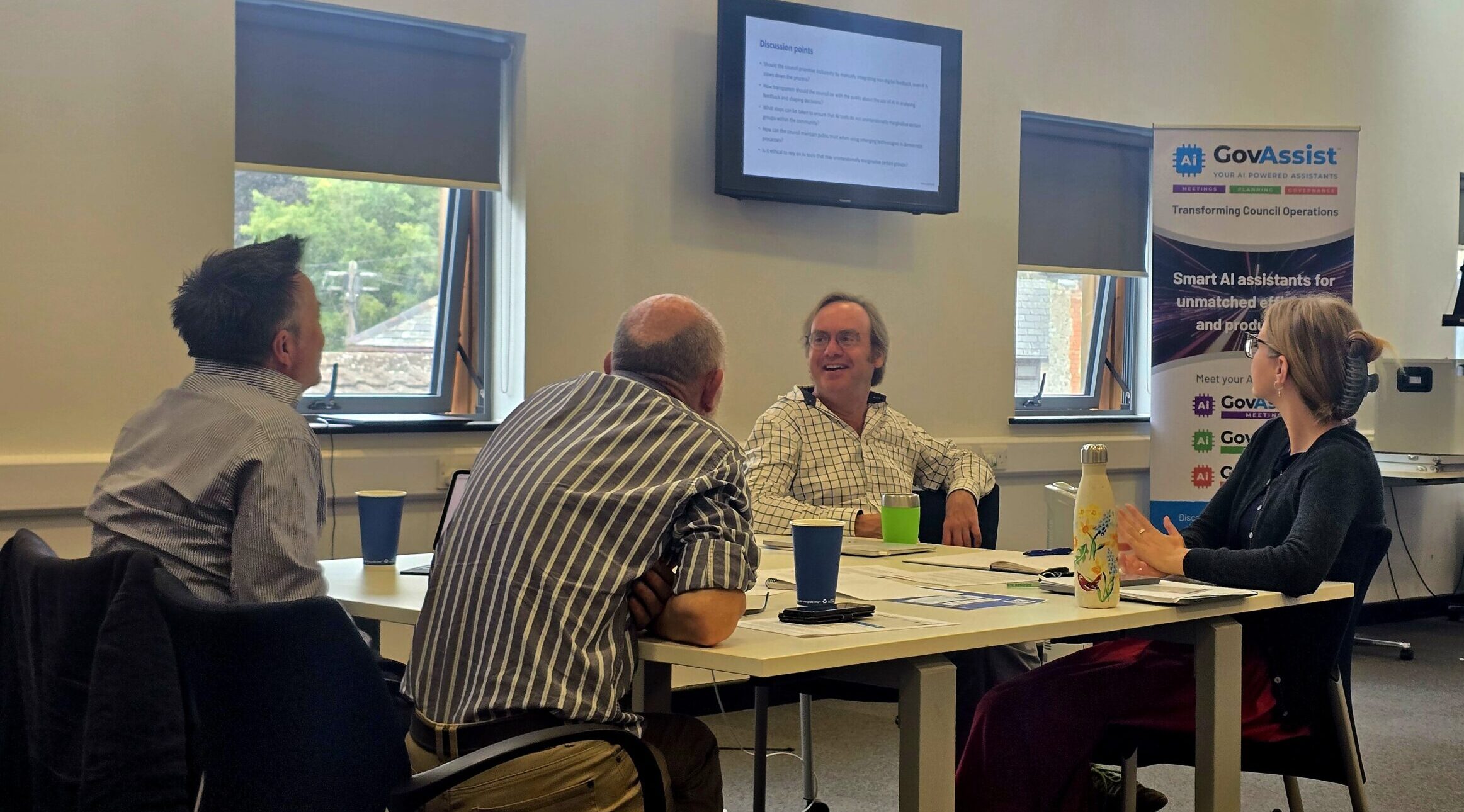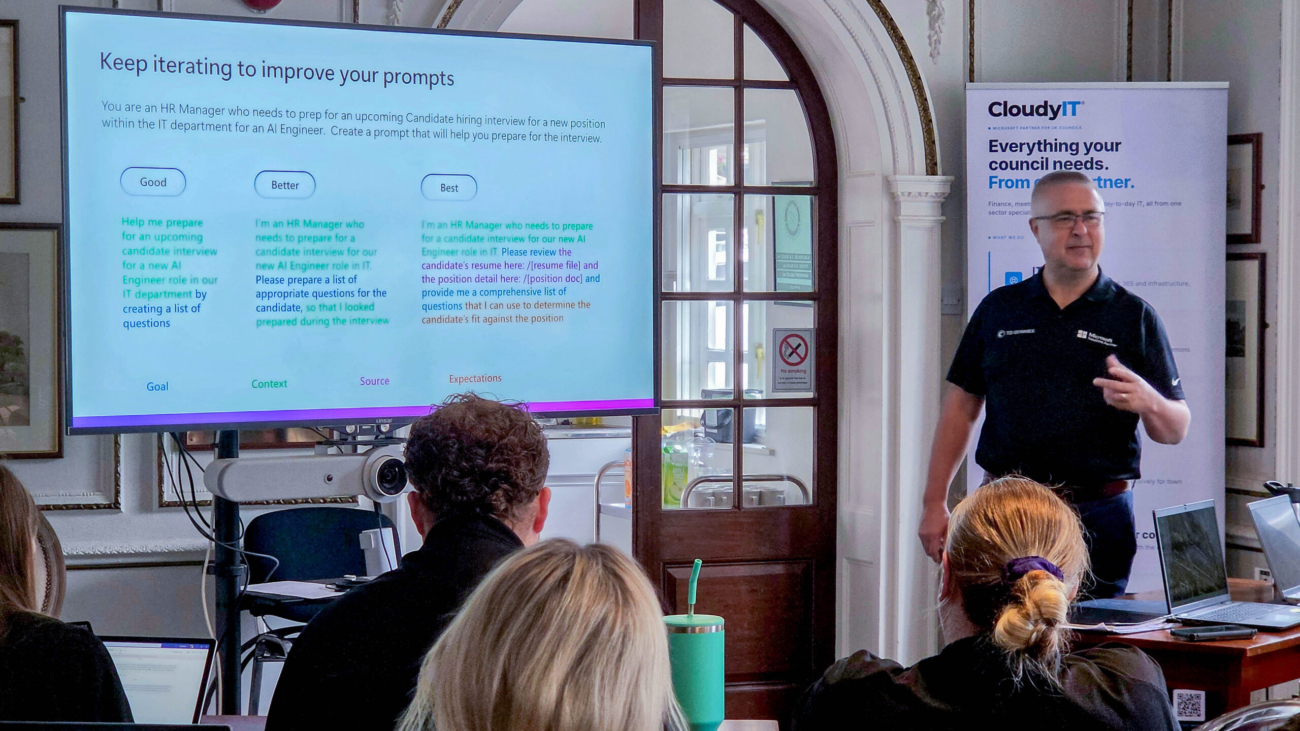
Inside the Microsoft 365 Copilot Prompt-a-thon at Dunstable Town Council:
Most councils with Microsoft 365 Copilot are using a fraction of it. Licences are live, the icon sits in the ribbon, and officers ask it the occasional question — but the day-to-day work of committee reports, budget analysis and resident communications carries on exactly as before.
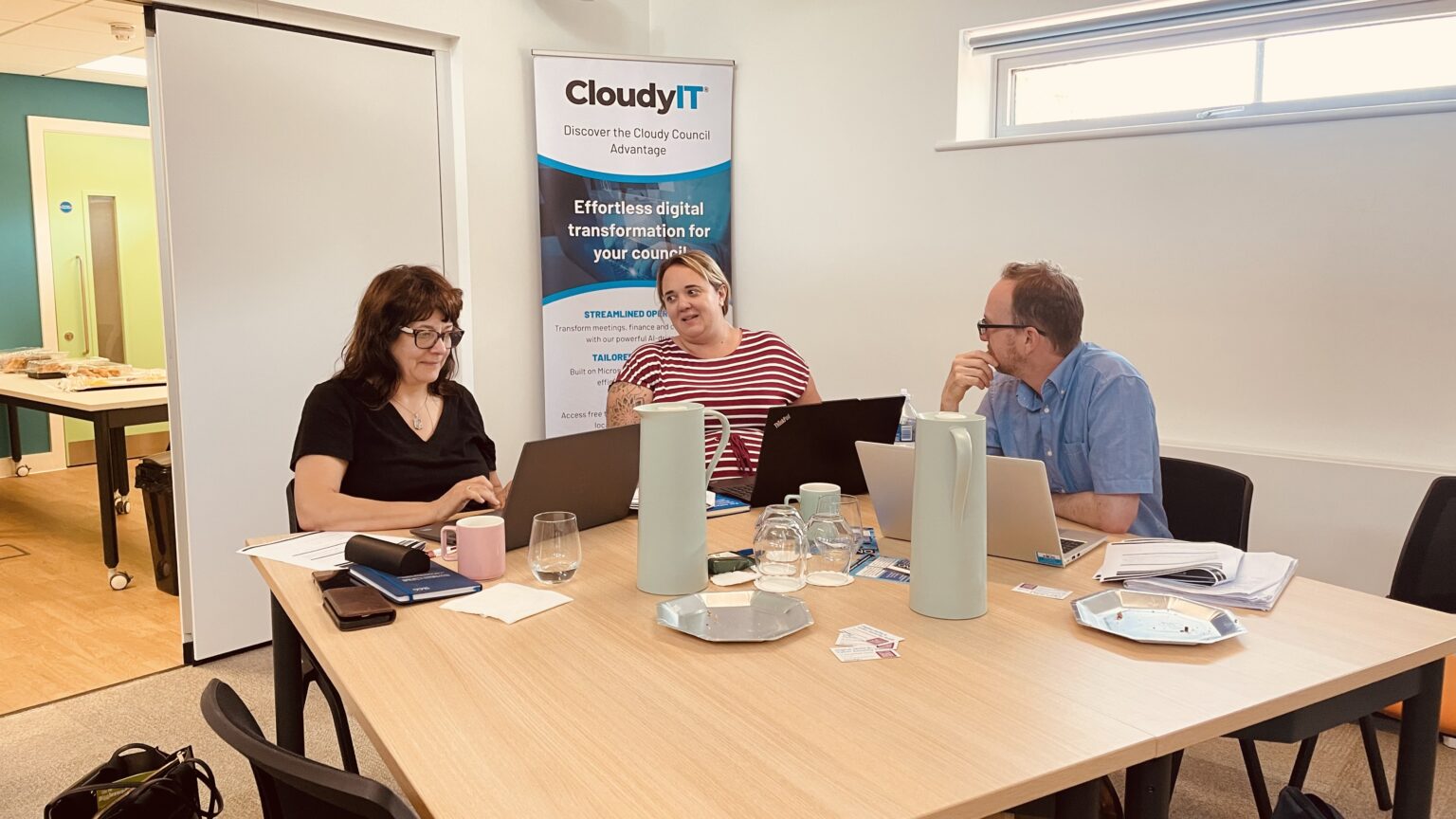
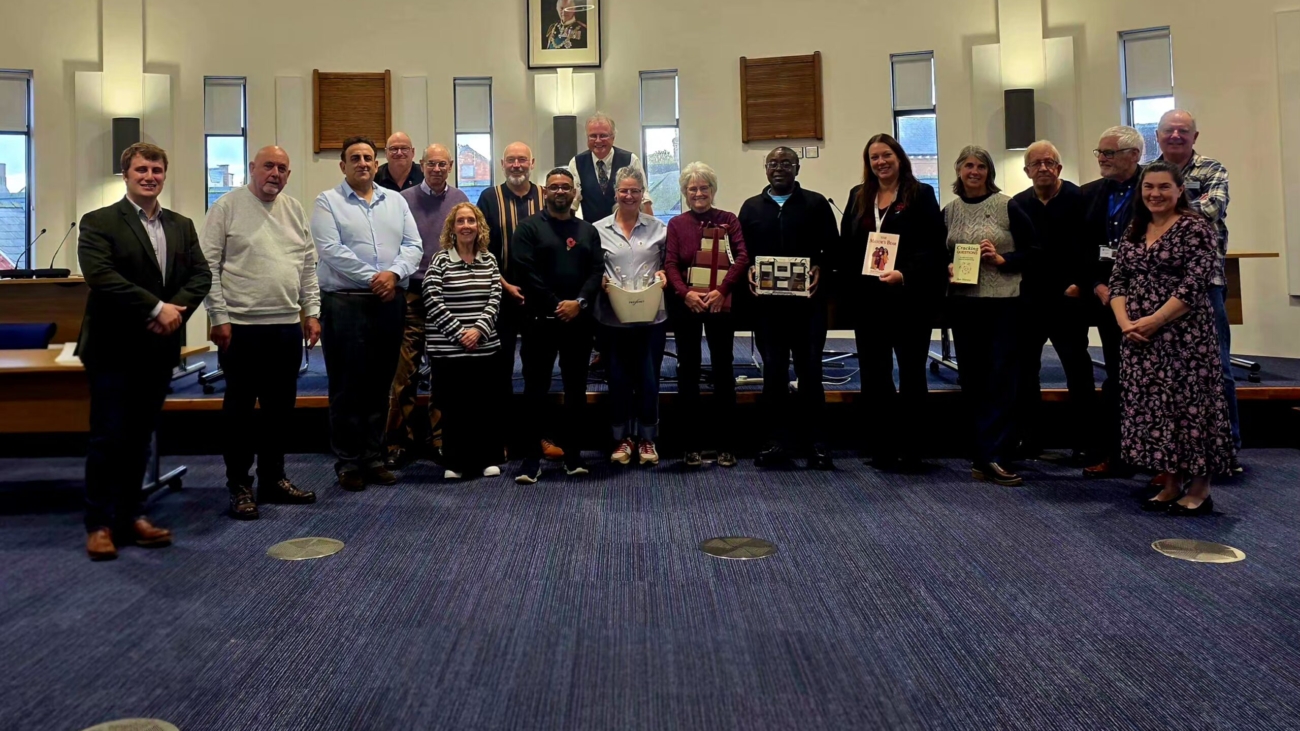
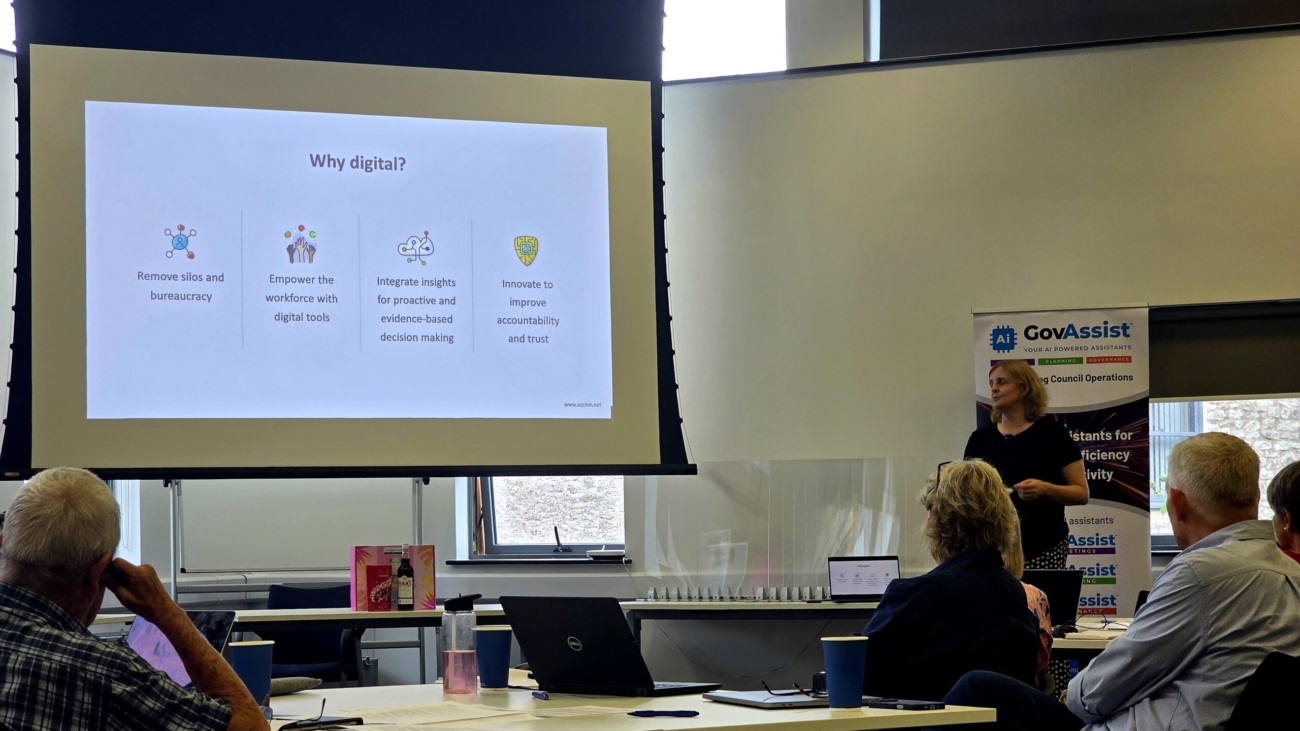
On Wednesday 15 July we ran a Copilot Prompt-a-thon with officers at Dunstable Town Council to change that. Here is how the day worked, what the team told us afterwards, and why we think this format is the fastest way for a larger council to turn Copilot licences into everyday practice.
The format: a fictional council with very real work.
Rather than a slideshow of features, we built the day around a scenario. Officers became the staff of Dunstable Town Council — a friendly market town with a £180,000 capital fund, a much-loved annual DinoFest, and a tired play area at Fossil Field that is hard to get around with a buggy or wheelchair. The Finance and General Purposes Committee wants a recommendation on how to invest.
Teams then took that task from start to finish across five apps, every step driven by a prompt:
- Excel — analyse the budget, service and resident survey data, and build the evidence base.
- Word — draft a formal committee decision report using the council’s own template.
- Copilot Chat and Researcher — strengthen the case with grant funding options and best practice from other councils.
- Outlook — announce the decision to residents, following the council’s Communications Style Guide.
- PowerPoint — turn the whole thing into a five-slide member briefing.
Every prompt was built with GCSE — Goal, Context, Source, Expectations. It is a simple framework, but it is the difference between “write a report” and a prompt that produces something an officer would actually put in front of members.
The most important design choice was using the council’s real templates. The decision report format, the information report and the style guide were all the genuine articles. The biggest “aha” of the day, for almost every team, came from handing Copilot a template and a style guide as examples of good — and watching it return on-brand, correctly formatted council work.
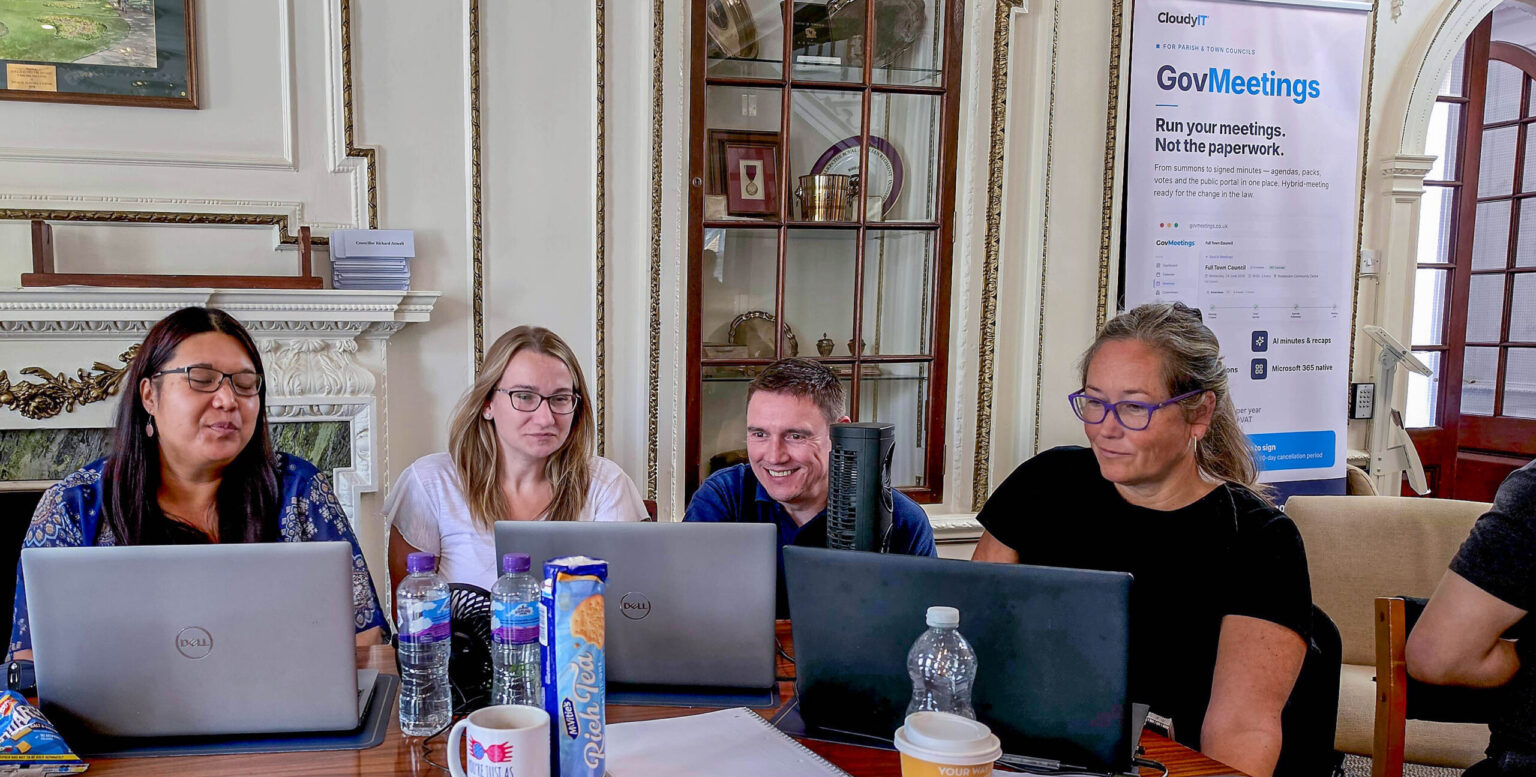
What the team told us:
Officers from across the council completed the post-workshop survey — finance, community services, HR, democratic services, compliance and the cemetery service among them.
- 4.4 out of 5 average overall rating — 100% of responses scored the day four or five.
- 91% named the hands-on afternoon as the most useful part of the day.
- 100% left feeling confident using Copilot day-to-day.
- Excel and Word topped the list of apps officers will try first — the places where committee reports and budget work actually happen.
- 100% asked for follow-up support from CloudyIT.
One officer summed up the shift we were after: rather than treating prompting as hit and miss, they now plan to build every prompt with GCSE and expect a usable result first time. Another left ready to point Copilot at policies and risk assessments. A third simply said the training was really enjoyable and very beneficial, with great delivery — which we will happily take.
The candid feedback matters just as much. Several officers had submitted real tasks from their own work before the day, and wanted more time spent applying Copilot directly to those. That is a fair challenge and it has already shaped the format: future Prompt-a-thons build a dedicated “your work, your prompts
Measuring what changes:
Enthusiasm on the day is easy to capture; impact takes longer. Alongside the workshop we ran a baseline impact survey with the same officers, recording how long everyday tasks currently take — drafting reports, summarising meeting notes, writing to residents — how often written work needs redoing, and how much of each week goes on repetitive admin.
The baseline picture will be familiar to any council. Most officers spend two to five hours a week on repetitive admin, and some closer to ten. Reports routinely take hours to draft. And before the training, fewer than one in five were using Copilot daily. Asked what they would do with recovered time, the answers were telling: strategic planning, developing policies and procedures, improving services, and finally clearing the backlog.
We will repeat the survey at six and 12 months. That turns the Prompt-a-thon from a training day into an evidenced programme — the council will be able to see, and show members, exactly where time has been recovered and what it has been reinvested in.
Why this works better than a demo:
A demonstration shows what Copilot can do. A Prompt-a-thon shows what your officers can do with it. The difference is retention: people remember the report they drafted, the chart they built and the resident email they rewrote — because it looked exactly like Monday morning’s workload.
For larger councils, the format scales naturally. Mixed teams from different service areas work the same scenario, which surfaces exactly where Copilot fits each function — and gives officers something rarer than training: time with colleagues who share the same challenges.
Stage 3 of a seven-stage journey:
A single training day does not change a culture, which is why the Prompt-a-thon is not a one-off. It is Stage 3 — Build AI Confidence — of the CloudyIT AI Pathway, a seven-stage journey that takes a council from first curiosity to sustained AI advantage.
The route in is free: a short online self-assessment that produces a genuine, tailored readiness report. From there, the Foundation stages benchmark where your teams stand, align senior leadership on policy and safe use, and build hands-on confidence through an Accelerator Day like Dunstable’s. The later stages turn that confidence into proven value — reusable prompts and agents, an AI hackathon to demonstrate what works in your own organisation — before a 12-month AI strategy puts the governance, roles and cadence in place to sustain it. A digital skills eLearning hub runs underneath every stage, keeping momentum between sessions.
Dunstable’s follow-up requests — short how-to guides, prompt clinics and role-specific training — are exactly what the stages after an Accelerator Day are designed to deliver.
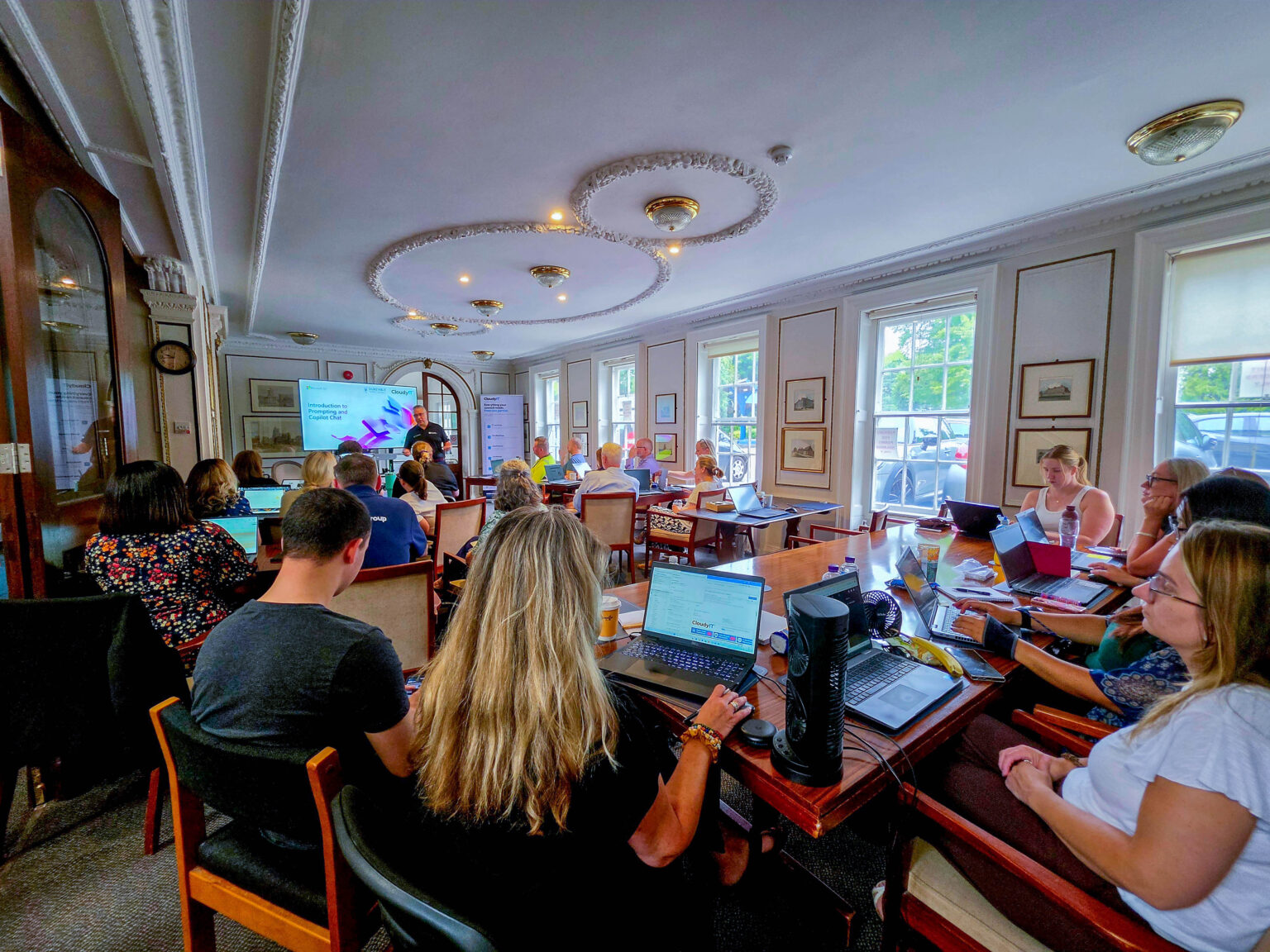
Find out how AI could work for your council
If your council has Copilot licences but usage is patchy, a Prompt-a-thon is a single day that changes the conversation — and the first step costs nothing. Take CloudyIT’s free AI readiness assessment, which asks a simple question — is AI helping or harming your organisation? — and produces a genuine, tailored report on where you stand.
Then talk it through with Simone. It is a 30-minute conversation about your results — no charge, no pitch — covering what your scores mean for your council and which stage is worth doing first. Book a conversation.
Workshop created and delivered by CloudyIT, the UK Microsoft partner for local councils.