



Live Webinar + Q&A
£65 or equivalent Training CreditWord Accessibility
Overview During the session, you’ll learn how to make your documents accessible ...

Live Webinar + Q&A
£65 or equivalent Training CreditWord – Essentials
This practical session is the foundation for the other Word webinars and is ideal for council staff who want to build confidence. ...
Live Webinar + Q&A
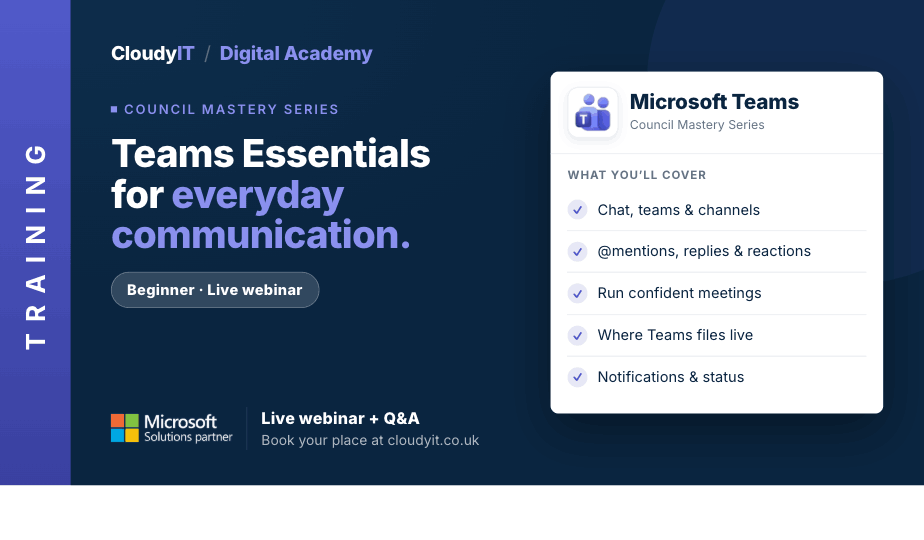
£65 or equivalent Training CreditTeams Essentials for Everyday Communication
This session is the perfect place to begin your journey with Microsoft Teams and discover its benefits for collaboration. Designed for new users of Microsoft Teams ...

Live Webinar + Q&A
£65 or equivalent Training CreditMicrosoft 365 – Unlocking the Mystery
This beginner-friendly session introduces the core Microsoft 365 apps councils use every day, helping delegates understand the basics, feel less overwhelmed, and build confidence in a new digital workspace. ...
Live Webinar + Q&A
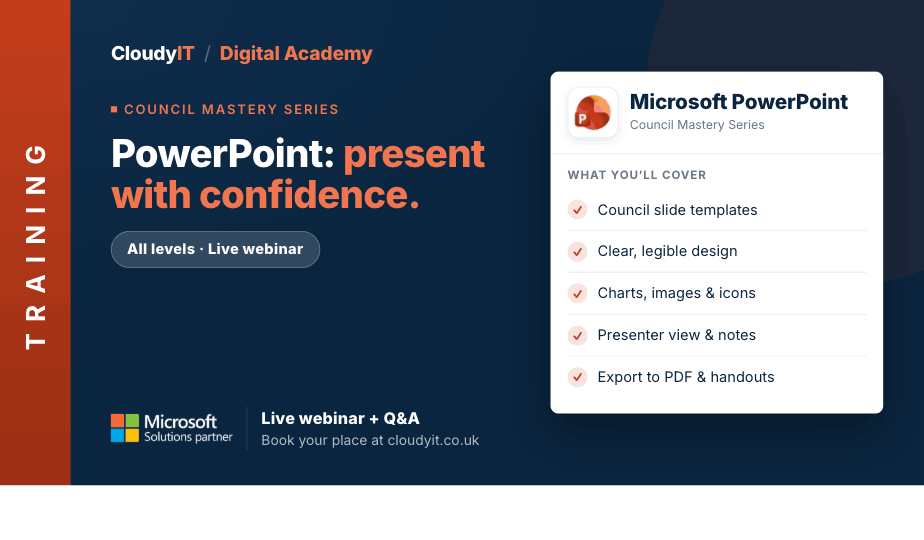
£65 or equivalent Training CreditPowerPoint for Busy Councils – Present with Confidence
Need to present council updates, committee briefings, project information, or community messages clearly? This practical session shows you how to create professional PowerPoint presentations. ...

Live Webinar + Q&A
£65 or equivalent Training CreditNew Outlook Essentials – Take Control of Your Inbox
This session shares practical Outlook tips to help councils manage email, meetings, and time more efficiently, with useful shortcuts, quick wins, and space for delegates to share common frustrations. ...
Live Webinar + Q&A
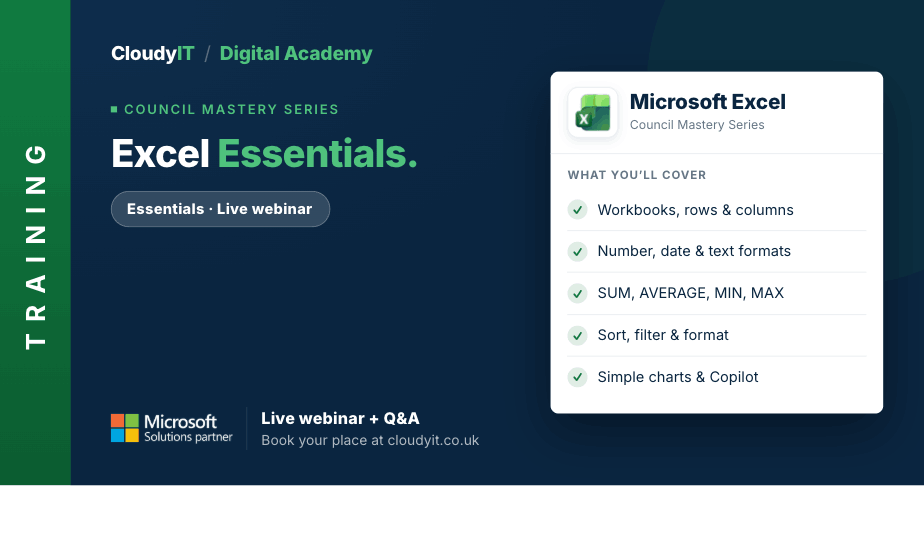
£65 or equivalent Training CreditExcel – Essentials
This session is designed for people who want to move beyond simply getting by and start using Excel in a more efficient and purposeful way. ...

Free 60-Minute Live Webinar + Q&A
GovFinance: Connected Council Accounting from Budget to Audit
Paperless Council Finance: Save Time from Budget Setting to Audit. Reduce administration and make finance easier before budget season begins. ...
Live Webinar + Q&A
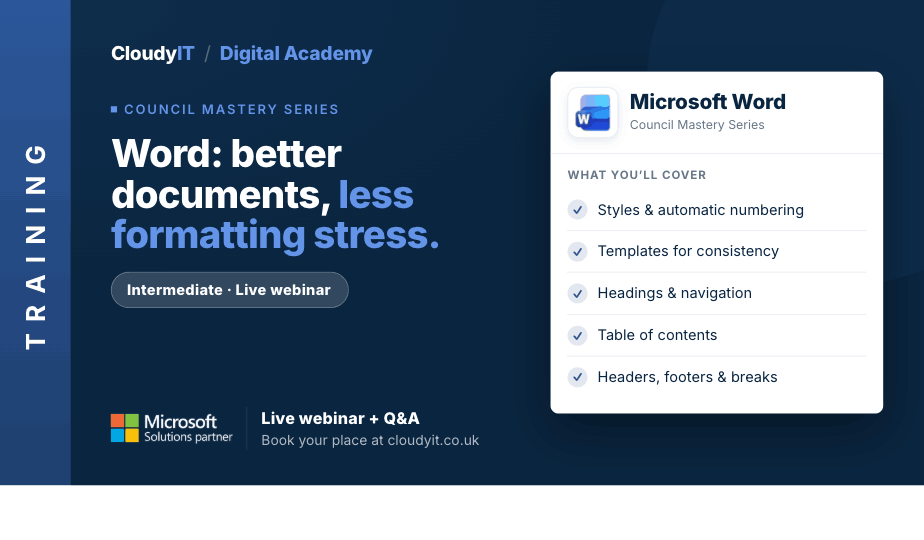
£65 or equivalent Training CreditWord – Better Documents, Less Formatting Stress
This intermediate practical session is designed for those who want to create better-structured Word documents with less frustration. ...
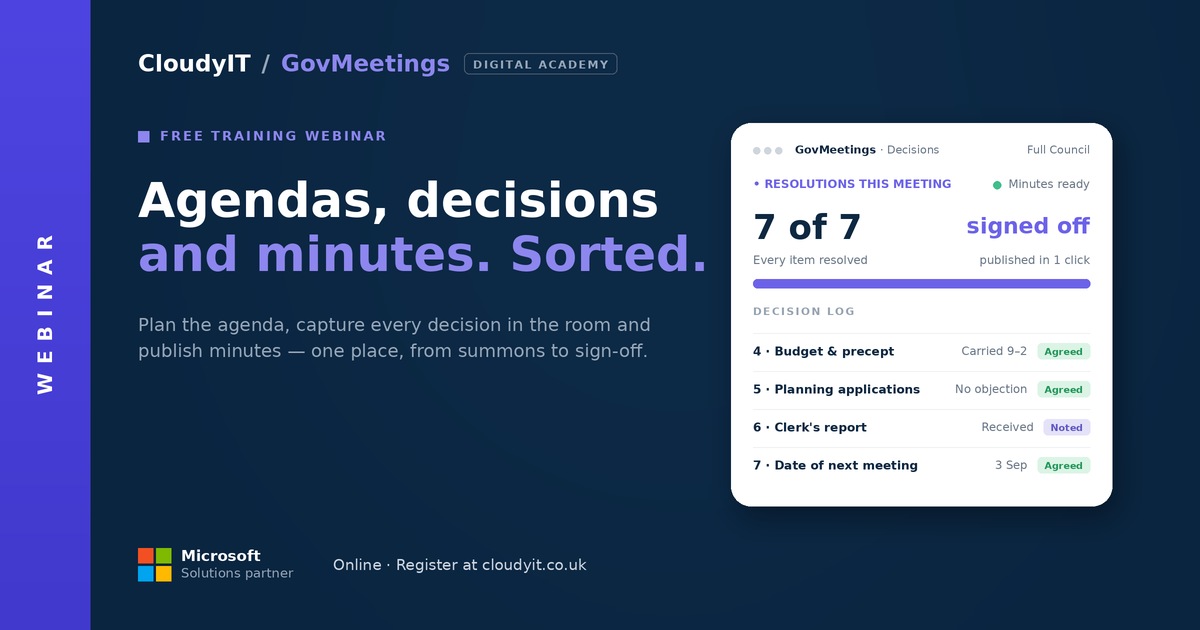
Free 60-Minute Live Webinar + Q&A
GovMeetings: Less Meeting Admin, More Time on What Matters
Join our engaging webinar to explore how Town and Parish Council meetings can be transformed through the integration of Microsoft 365 with GovMeetings by CloudyIT. ...
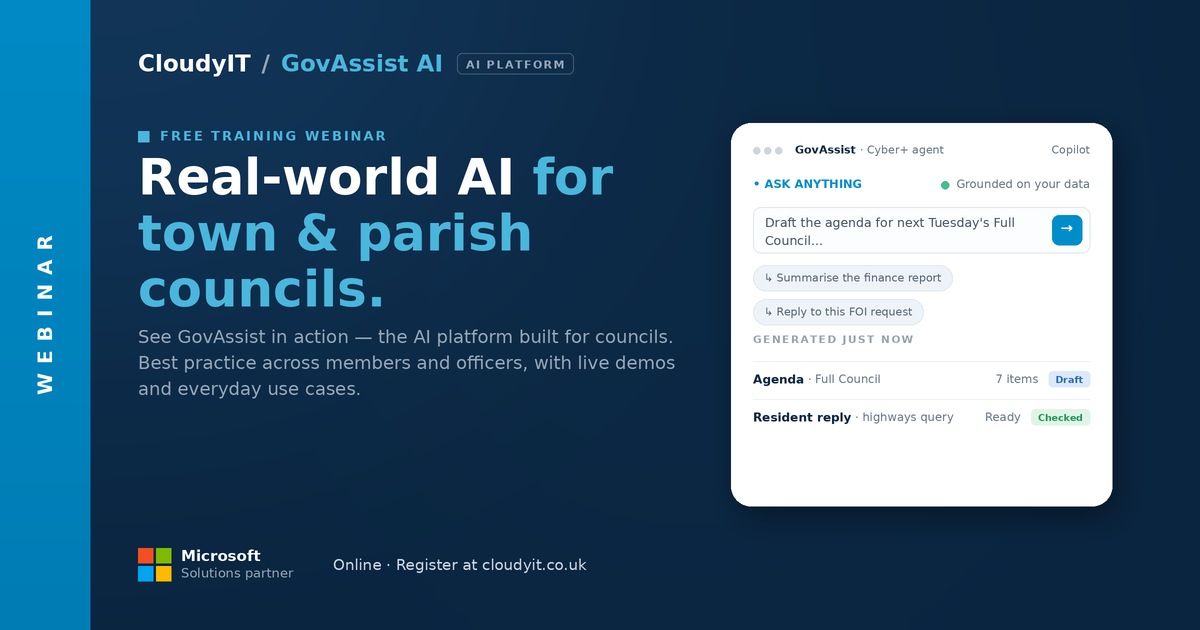
Free 60-Minute Live Webinar + Q&A
GovAssist: Practical AI for Local Government
Find out more: https://govassist.co.uk/ Free 60-Minute Live Webinar + Q&A Overview: AI ...

Live Webinar + Q&A
£65 or equivalent Training CreditSharePoint Essentials for Smarter File Management
This beginner-level practical session helps councils take control of files across Teams, OneDrive and SharePoint so documents are easier to store, find, share, and manage. ...

Live Webinar + Q&A
£65 or equivalent Training CreditCopilot AI for Councils – Beginners
A clear starting point for council staff who are new to Microsoft 365 Copilot, this beginner-friendly session explains what Copilot is, what is included in Microsoft 365, and how to use it safely ...
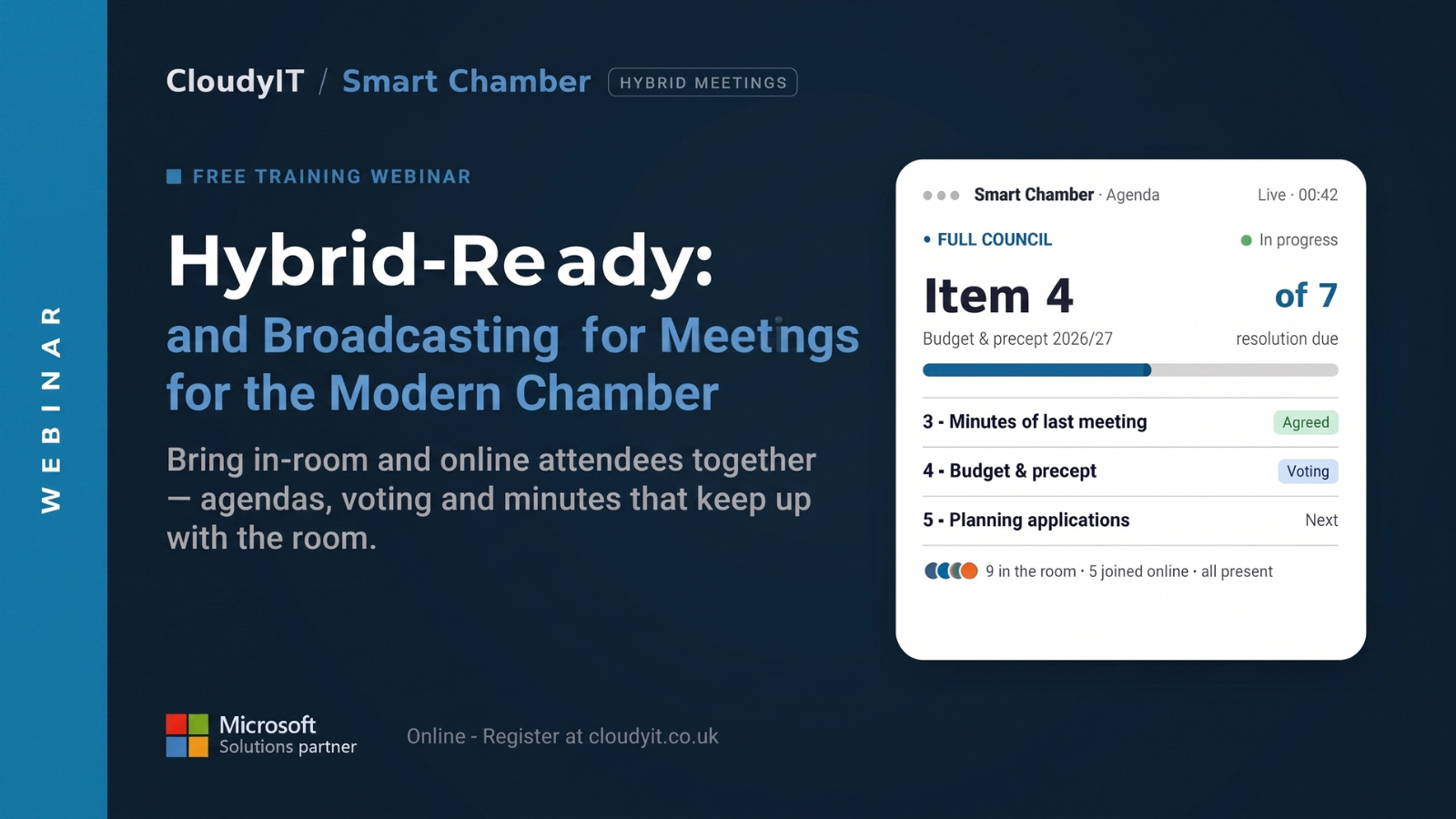
Free 60-Minute Live Webinar + Q&A
SmartChamber: Hybrid-Ready Meetings for the Modern Chamber
This session shows how the right audio-visual set–up, councillor devices, and meeting software turn a patched-together meeting into one that works for everyone, whether they’re in the room or at home. ...
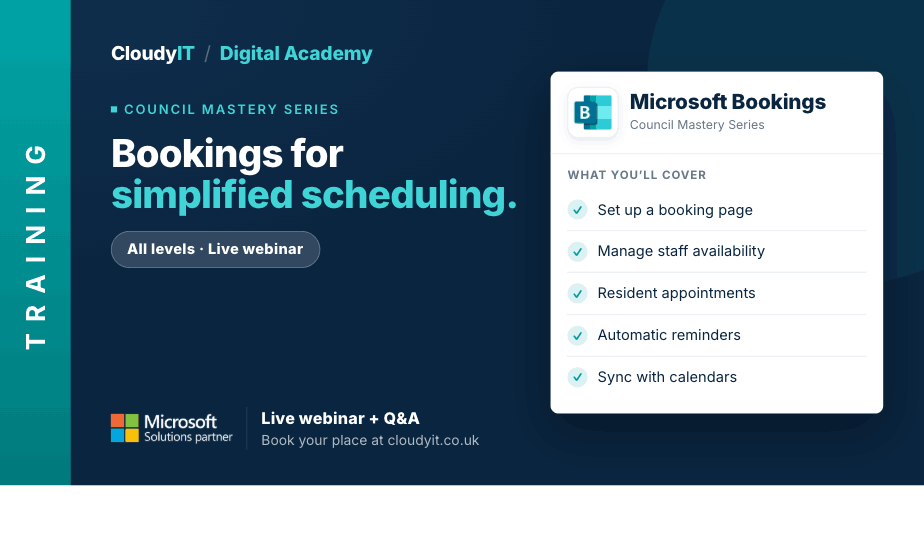
Live Webinar + Q&A
£65 or equivalent Training CreditBookings for Simplified Appointment Scheduling
This session shows how councils can use Microsoft Bookings to manage appointments, services, venue reservations, and events more efficiently. ...
Free 60-Minute Live Webinar + Q&A
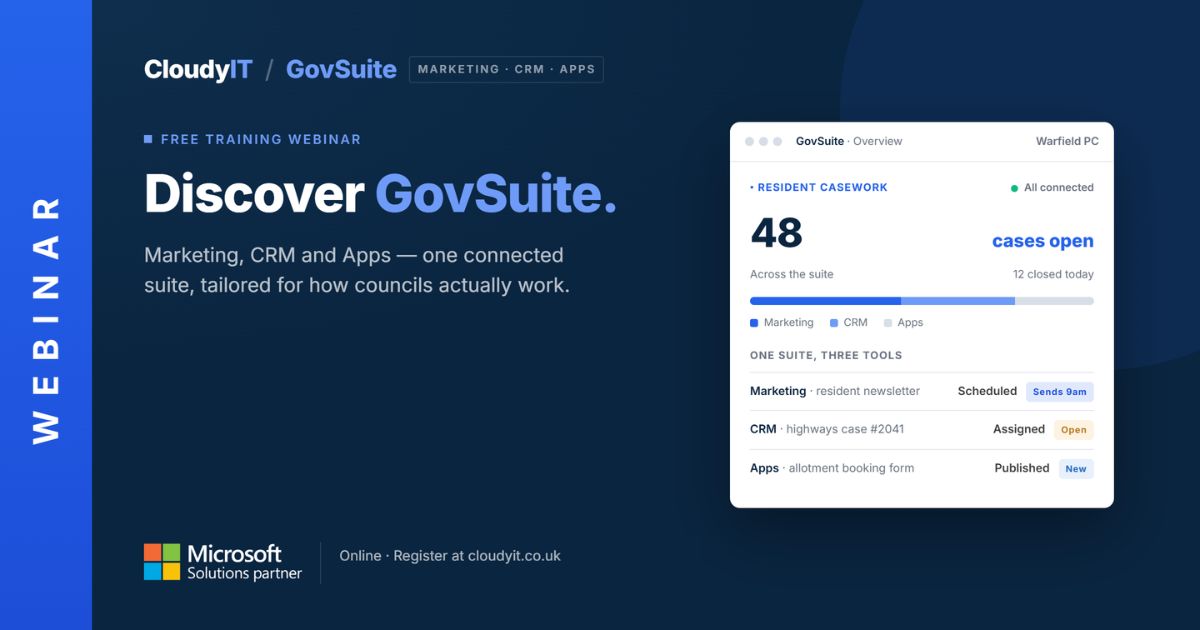
GovSuite: The Everyday Apps That Run Your Council
Discover GovSuite, council-focused apps built on Microsoft 365. Explore the solutions and see how they can improve everyday administrative processes. ...

Free 60-Minute Live Webinar + Q&A
GovRedact: Safer, Simpler FOIs and SARs
Discover how GovRedact helps local councils manage FOI and SAR workflows: review documents, apply secure redactions, meet deadlines, and keep full audit trails. ...
Live Webinar + Q&A
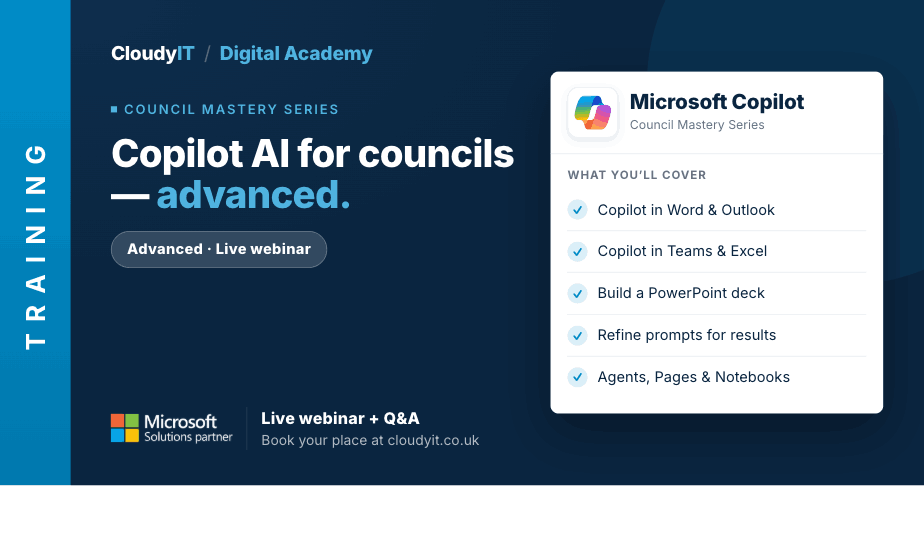
£65 or equivalent Training CreditCopilot AI for Councils – Advanced
This advanced session is for delegates who already understand the basics and want to use Microsoft 365 Copilot more effectively in everyday council work. ...
Live Webinar + Q&A
£65 or equivalent Training CreditWord Accessibility
Overview During the session, you’ll learn how to make your documents accessible ...
Live Webinar + Q&A
£65 or equivalent Training CreditWord – Essentials
This practical session is the foundation for the other Word webinars and is ideal for council staff who want to build confidence. ...
Live Webinar + Q&A
£65 or equivalent Training CreditTeams Essentials for Everyday Communication
This session is the perfect place to begin your journey with Microsoft Teams and discover its benefits for collaboration. Designed for new users of Microsoft Teams ...
Live Webinar + Q&A
£65 or equivalent Training CreditMicrosoft 365 – Unlocking the Mystery
This beginner-friendly session introduces the core Microsoft 365 apps councils use every day, helping delegates understand the basics, feel less overwhelmed, and build confidence in a new digital workspace. ...
Live Webinar + Q&A
£65 or equivalent Training CreditPowerPoint for Busy Councils – Present with Confidence
Need to present council updates, committee briefings, project information, or community messages clearly? This practical session shows you how to create professional PowerPoint presentations. ...
Live Webinar + Q&A
£65 or equivalent Training CreditNew Outlook Essentials – Take Control of Your Inbox
This session shares practical Outlook tips to help councils manage email, meetings, and time more efficiently, with useful shortcuts, quick wins, and space for delegates to share common frustrations. ...
Live Webinar + Q&A
£65 or equivalent Training CreditExcel – Essentials
This session is designed for people who want to move beyond simply getting by and start using Excel in a more efficient and purposeful way. ...
Live Webinar + Q&A
£65 or equivalent Training CreditWord – Better Documents, Less Formatting Stress
This intermediate practical session is designed for those who want to create better-structured Word documents with less frustration. ...
Live Webinar + Q&A
£65 or equivalent Training CreditSharePoint Essentials for Smarter File Management
This beginner-level practical session helps councils take control of files across Teams, OneDrive and SharePoint so documents are easier to store, find, share, and manage. ...
Live Webinar + Q&A
£65 or equivalent Training CreditCopilot AI for Councils – Beginners
A clear starting point for council staff who are new to Microsoft 365 Copilot, this beginner-friendly session explains what Copilot is, what is included in Microsoft 365, and how to use it safely ...
Live Webinar + Q&A
£65 or equivalent Training CreditBookings for Simplified Appointment Scheduling
This session shows how councils can use Microsoft Bookings to manage appointments, services, venue reservations, and events more efficiently. ...
Live Webinar + Q&A
£65 or equivalent Training CreditCopilot AI for Councils – Advanced
This advanced session is for delegates who already understand the basics and want to use Microsoft 365 Copilot more effectively in everyday council work. ...
Live Webinar + Q&A
£65 or equivalent Training CreditCopilot AI for Councils – Beginners
A clear starting point for council staff who are new to Microsoft 365 Copilot, this beginner-friendly session explains what Copilot is, what is included in Microsoft 365, and how to use it safely ...
Live Webinar + Q&A
£65 or equivalent Training CreditCopilot AI for Councils – Advanced
This advanced session is for delegates who already understand the basics and want to use Microsoft 365 Copilot more effectively in everyday council work. ...
Free 60-Minute Live Webinar + Q&A
GovRedact: Safer, Simpler FOIs and SARs
Discover how GovRedact helps local councils manage FOI and SAR workflows: review documents, apply secure redactions, meet deadlines, and keep full audit trails. ...
Free 60-Minute Live Webinar + Q&A
GovMeetings: Less Meeting Admin, More Time on What Matters
Join our engaging webinar to explore how Town and Parish Council meetings can be transformed through the integration of Microsoft 365 with GovMeetings by CloudyIT. ...
Free 60-Minute Live Webinar + Q&A
GovFinance: Connected Council Accounting from Budget to Audit
Paperless Council Finance: Save Time from Budget Setting to Audit. Reduce administration and make finance easier before budget season begins. ...
Free 60-Minute Live Webinar + Q&A
GovAssist: Practical AI for Local Government
Find out more: https://govassist.co.uk/ Free 60-Minute Live Webinar + Q&A Overview: AI ...
Free 60-Minute Live Webinar + Q&A
GovSuite: The Everyday Apps That Run Your Council
Discover GovSuite, council-focused apps built on Microsoft 365. Explore the solutions and see how they can improve everyday administrative processes. ...
Free 60-Minute Live Webinar + Q&A
GovRedact: Safer, Simpler FOIs and SARs
Discover how GovRedact helps local councils manage FOI and SAR workflows: review documents, apply secure redactions, meet deadlines, and keep full audit trails. ...
Free 60-Minute Live Webinar + Q&A
SmartChamber: Hybrid-Ready Meetings for the Modern Chamber
This session shows how the right audio-visual set–up, councillor devices, and meeting software turn a patched-together meeting into one that works for everyone, whether they’re in the room or at home. ...


