

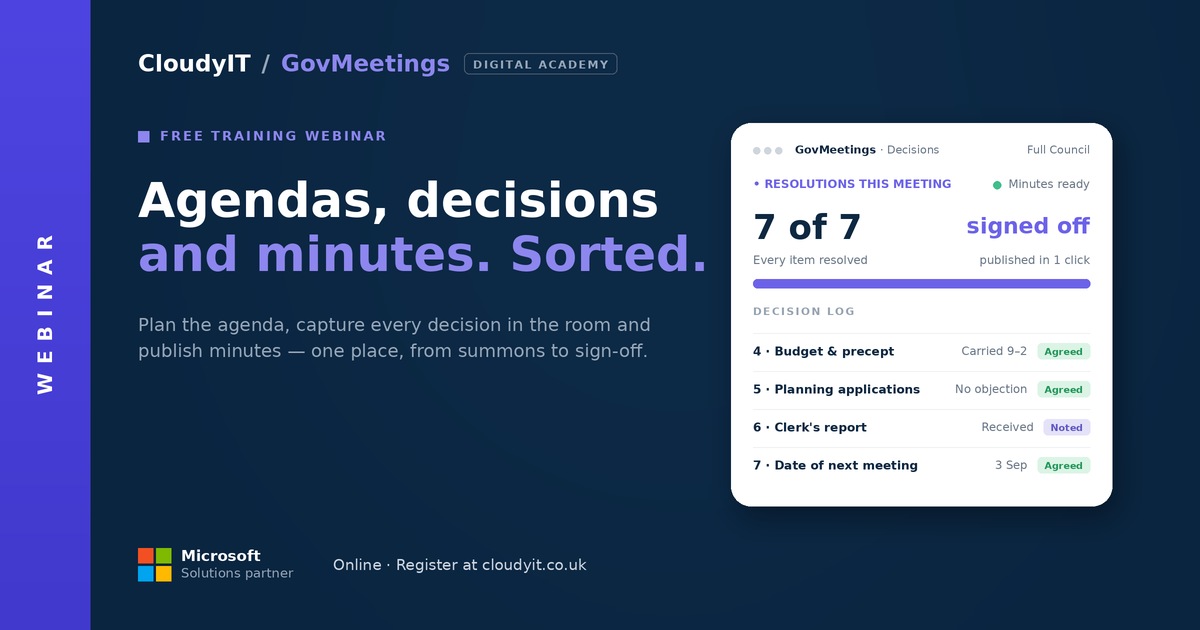
GovMeetings: Less Meeting Admin, More Time on What Matters
Find out more: https://govmeetings.co.uk/
Free 60-Minute Live Webinar + Q&A
Overview:
Picture a Tuesday night meeting where the agenda, papers, and actions all live in one place. Minutes write themselves in draft form while you focus on the room. Nobody’s chasing a lost email for the third time that week. That’s what councils using GovMeetings and GovAssist are doing today, and this session shows you how, with a live demo and real examples from councils already running it. Built for clerks, officers, and councillors who want less admin and more time on what actually matters.
What You’ll See:
- A calmer meeting cycle — agendas, papers, and actions tracked automatically from summons to signed-off minutes, with quorum and statutory deadlines checked for you
- AI-assisted minutes — turn discussion into a clear first draft so you’re editing, not starting from a blank page
- Simplified paperwork — agendas and supporting papers consolidated into a single accessible PDF
- One document, not twelve — agendas and supporting papers consolidated into a single accessible PDF
- Everything searchable — global search finds resolutions, papers, and past discussions in seconds, across every meeting you’ve ever held
- Hybrid-ready — built for in-person, remote, and mixed meetings from the ground up
- Built on Microsoft 365 — if your council already uses it, you’re most of the way there
Real Council Scenarios:
- Your clerk rebuilds the agenda and papers by hand every cycle and wants the pack assembled automatically.
- Minutes take days to write up, and you’d rather start from an AI draft than a blank page.
- Councillors receive a dozen separate attachments before a meeting and lose track of which paper is which.
- Someone needs to find a resolution from two years ago and there’s no quick way to search past meetings.
- Your council runs hybrid meetings and needs software that treats remote and in-person attendees equally.
Who Should Attend:
Built for clerks, officers, and councillors who want less admin and more time on what matters. Especially useful for councils already on Microsoft 365 and anyone reviewing how meetings are prepared, run, and minuted.
What to Expect:
- Format: 60-minute live online webinar
- Includes: Live demonstration, practical examples, and Q&A
- Cost: Free to attend. Scalable pricing — costs are based on your council’s precept, so you only pay for what you need.
Continue Your Learning Journey:
Equip the room itself with SmartChamberHybrid-Ready Meetings for the Modern Chamber , or try the Microsoft 365 Digital Skills Audit Tool and join an AI in Local Government Members’


