



Live Webinar + Q&A
£65 or equivalent Training CreditCopilot AI for Councils – Beginners
A clear starting point for council staff who are new to Microsoft 365 Copilot, this beginner-friendly session explains what Copilot is, what is included in Microsoft 365, and how to use it safely ...
Live Webinar + Q&A
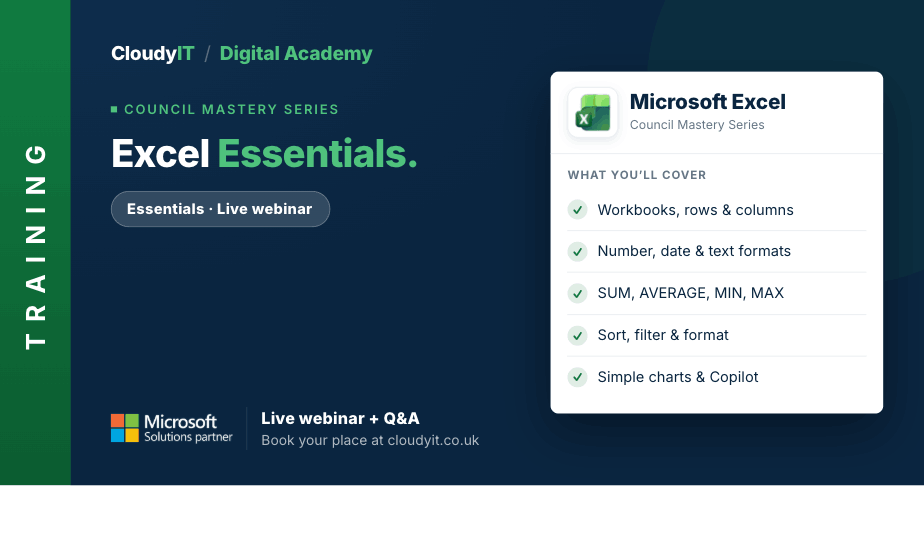
£65 or equivalent Training CreditExcel – Essentials
This session is designed for people who want to move beyond simply getting by and start using Excel in a more efficient and purposeful way. ...
Live Webinar + Q&A
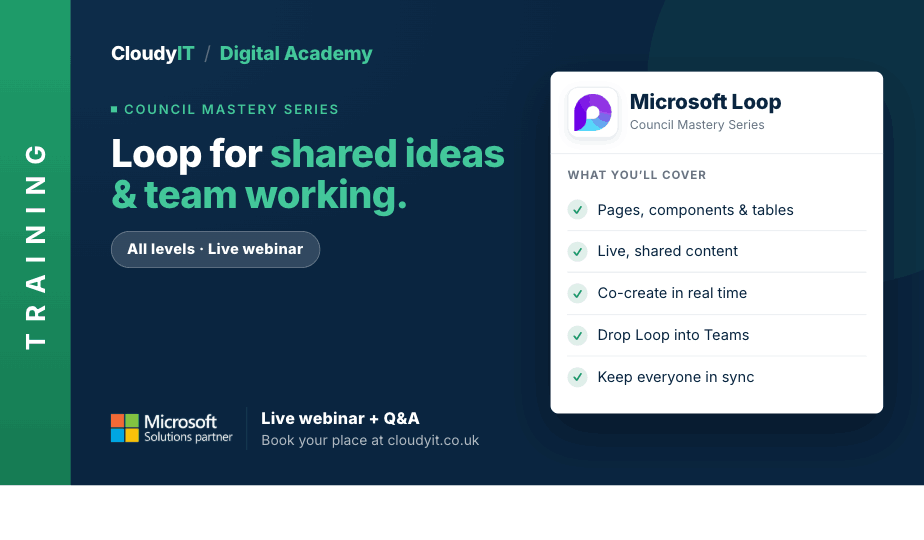
£65 or equivalent Training CreditLoop for Shared Ideas and Team Working
This session introduces Loop as a practical workspace for councils, helping teams collaborate more effectively, organise shared content, and connect ideas across Microsoft 365. ...
Live Webinar + Q&A
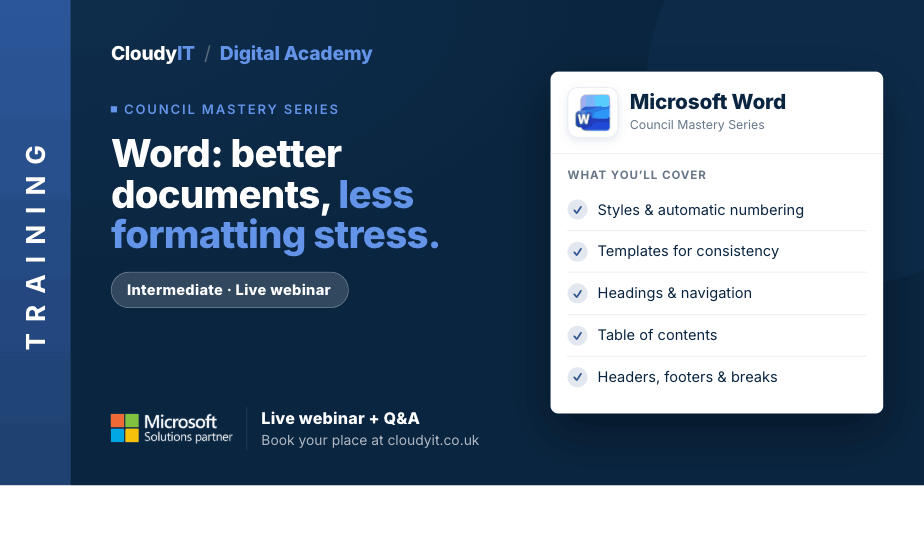
£65 or equivalent Training CreditWord – Better Documents, Less Formatting Stress
This intermediate practical session is designed for those who want to create better-structured Word documents with less frustration. ...

Advanced Level Live Webinar + Q&A
£65 or equivalent Training CreditSharePoint Advanced for Governance and Collaboration
This advanced session builds on the essentials and shows how SharePoint can support smarter collaboration, stronger governance, and more secure document management across Microsoft 365. ...
Live Webinar + Q&A
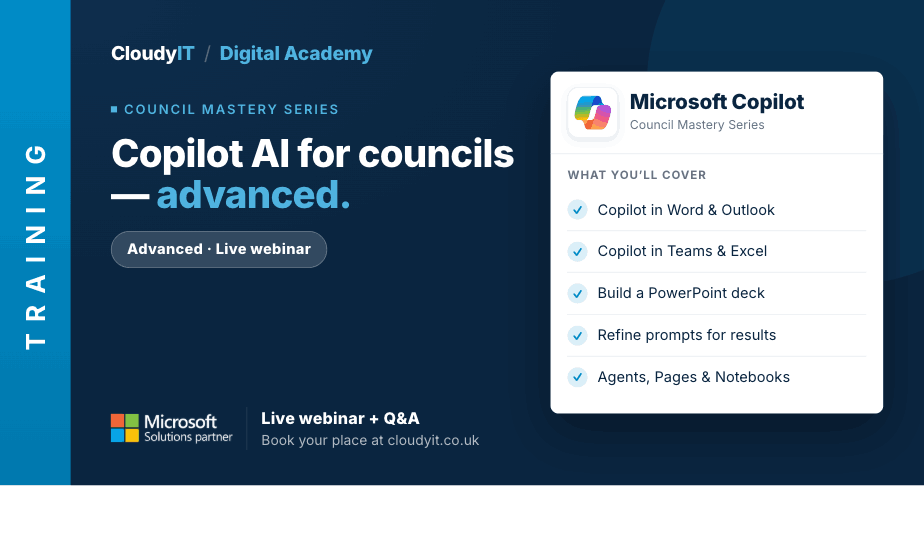
£65 or equivalent Training CreditCopilot AI for Councils – Advanced
This advanced session is for delegates who already understand the basics and want to use Microsoft 365 Copilot more effectively in everyday council work. ...
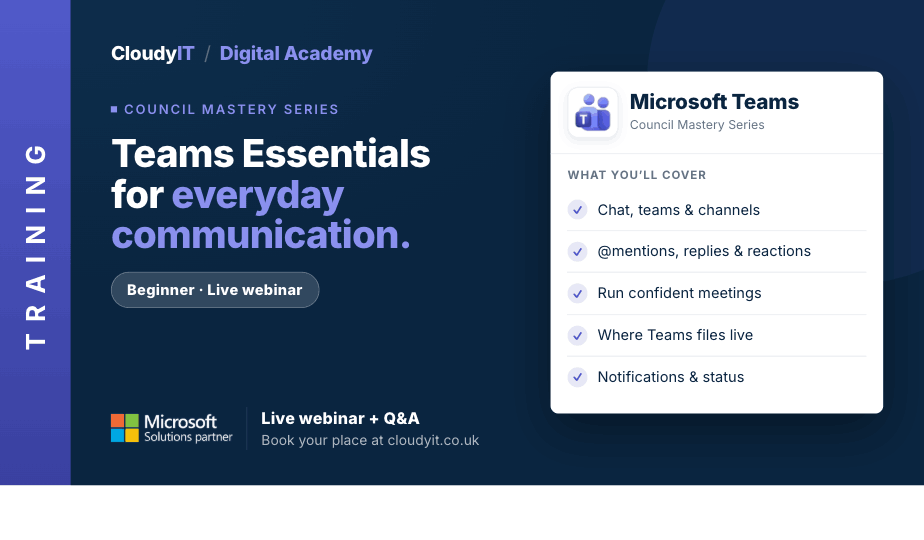
Live Webinar + Q&A
£65 or equivalent Training CreditTeams Essentials for Everyday Communication
This session is the perfect place to begin your journey with Microsoft Teams and discover its benefits for collaboration. Designed for new users of Microsoft Teams ...
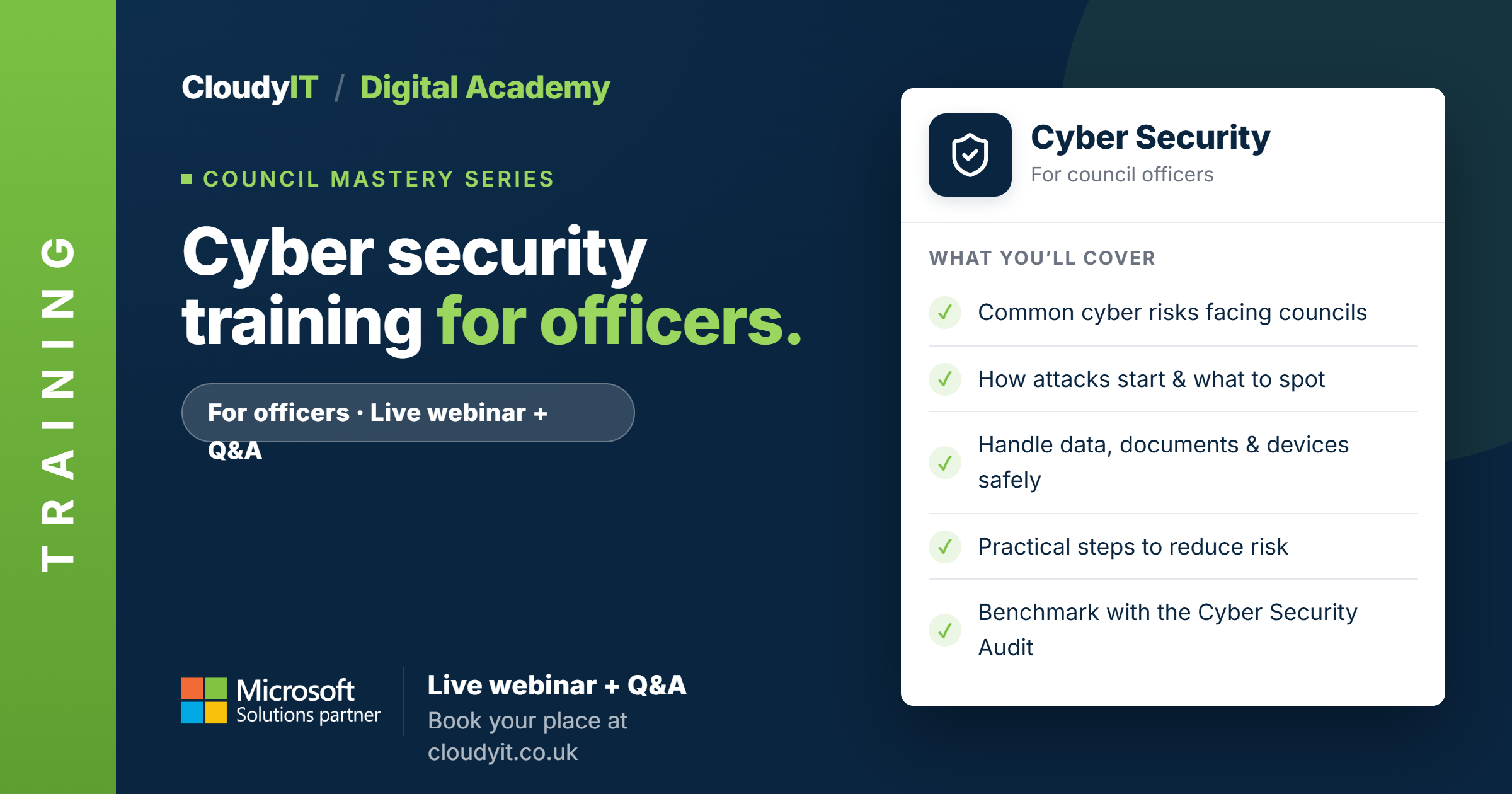
LIVE WEBINAR + Q & A
£65 or equivalent Training CreditCouncil Mastery Series: Cyber Security Training for Officers
This focused session provides clear, practical guidance on how to work securely, avoid common mistakes, and reduce risk across your council’s digital environment. ...

Live Webinar + Q&A
£65 or equivalent Training CreditMicrosoft 365 – Unlocking the Mystery
This beginner-friendly session introduces the core Microsoft 365 apps councils use every day, helping delegates understand the basics, feel less overwhelmed, and build confidence in a new digital workspace. ...

Live Webinar + Q&A
£65 or equivalent Training CreditCopilot AI for Councils – Comms and Content Creation
This specialist session is designed for council staff who create communications campaigns, newsletters, social media posts, web content and promotional material. ...
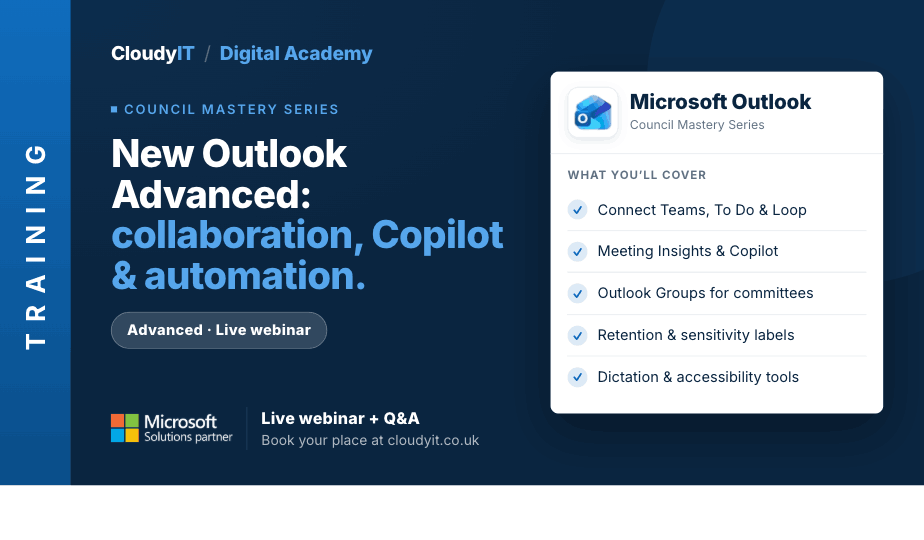
Live Webinar + Q&A
£65 or equivalent Training CreditNew Outlook Advanced – Collaboration, Copilot and Automation
This advanced session builds on New Outlook Essentials by moving beyond inbox confidence into smarter collaboration, automation, Copilot support, and safer information handling. ...
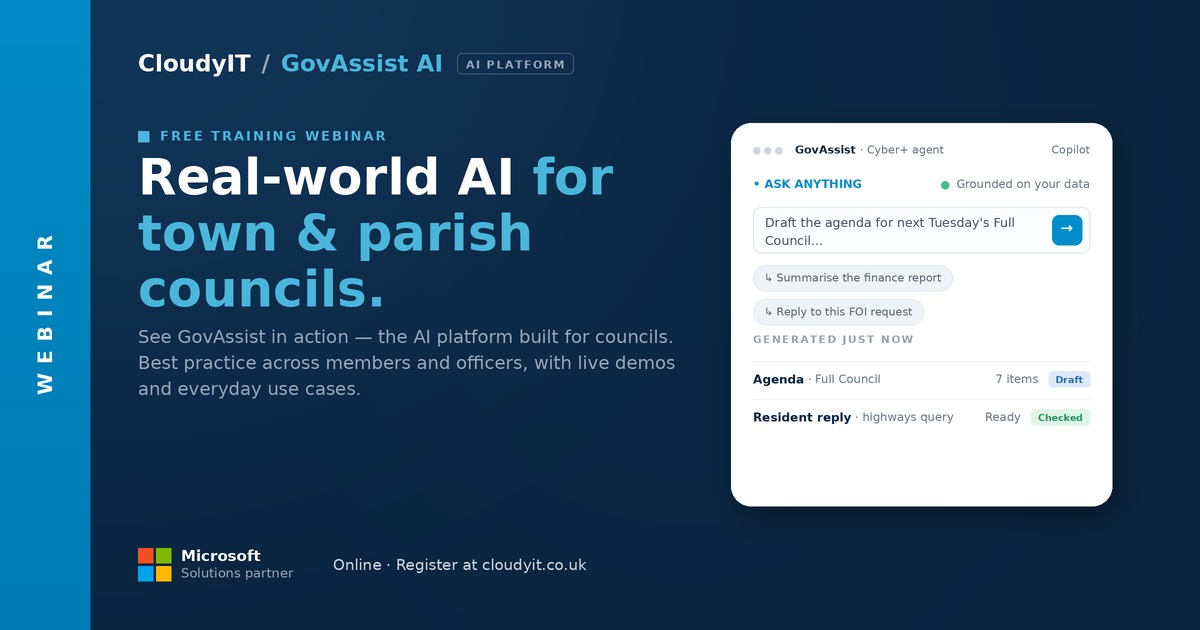
Free 60-Minute Live Webinar + Q&A
GovAssist: Practical AI for Local Government
Find out more: https://govassist.co.uk/ Overview: AI is everywhere in the headlines, ...
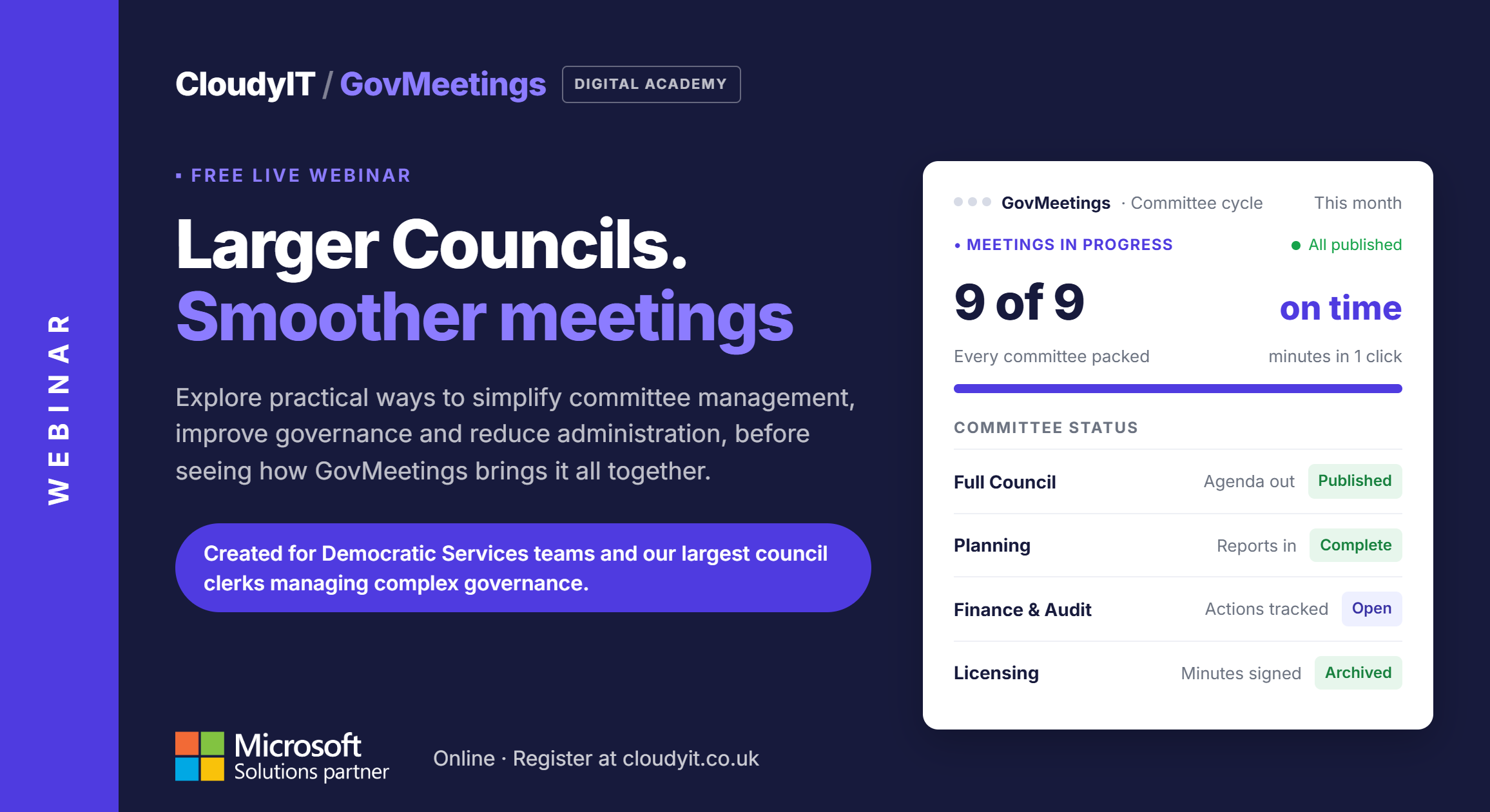
Free 60-Minute Live Webinar + Q&A
GovMeetings for Larger Councils Multiple Committees. One Way of Working.
Join us to learn practical ways to simplify committee management, strengthen governance & reduce admin with GovMeetings, a Microsoft 365 way of working. ...
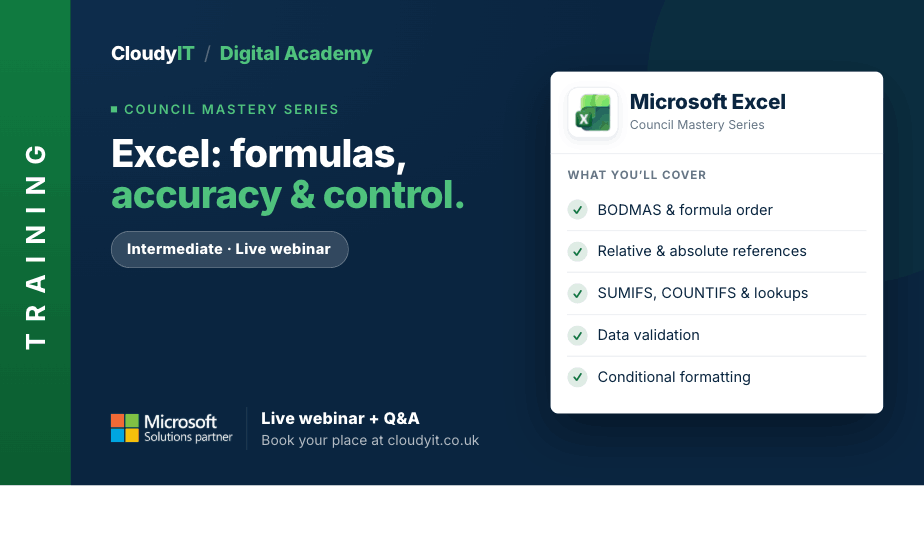
Live Webinar + Q&A
£65 or equivalent Training CreditExcel – Formulas, Accuracy and Control
Strengthen your Excel skills by learning how formulas and functions work, why they sometimes go wrong, and how to use them with greater confidence. ...
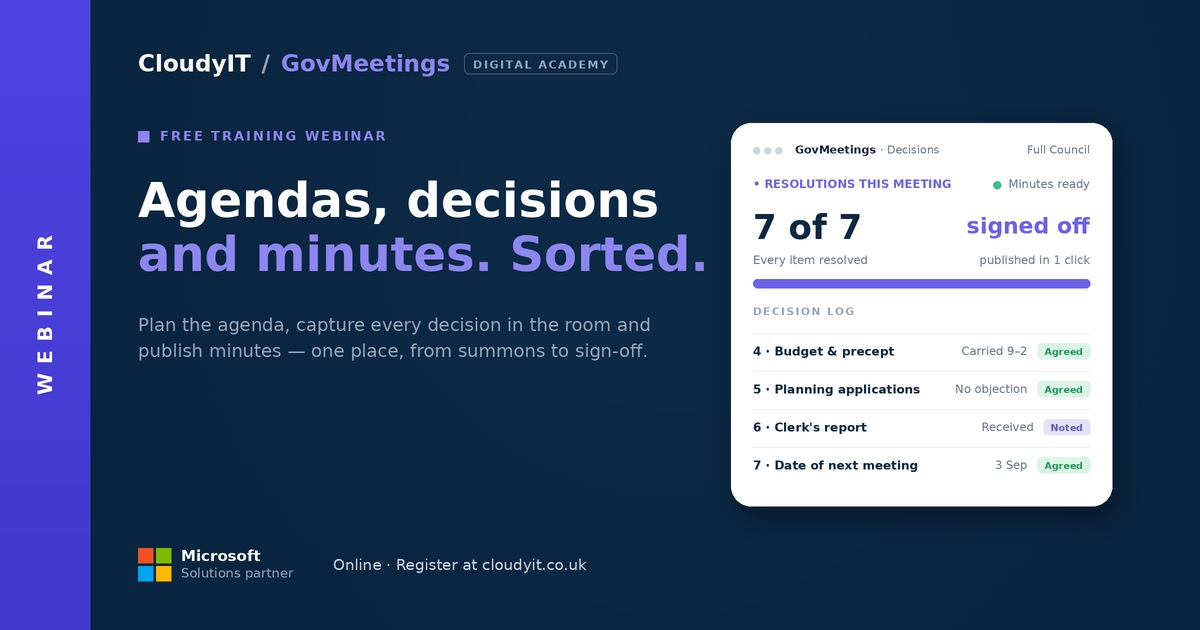
Free 60-Minute Live Webinar + Q&A
GovMeetings: Less Meeting Admin, More Time on What Matters
Join our engaging webinar to explore how Town and Parish Council meetings can be transformed through the integration of Microsoft 365 with GovMeetings by CloudyIT. ...

Advanced Level Live Webinar + Q&A
£65 or equivalent Training CreditSharePoint Essentials for Smarter File Management
This beginner-level practical session helps councils take control of files across Teams, OneDrive and SharePoint so documents are easier to store, find, share, and manage. ...

Free 60-Minute Live Webinar + Q&A
SmartChamber: Hybrid-Ready Meetings for the Modern Chamber
This session shows how the right audio-visual set–up, councillor devices, and meeting software turn a patched-together meeting into one that works for everyone, whether they’re in the room or at home. ...
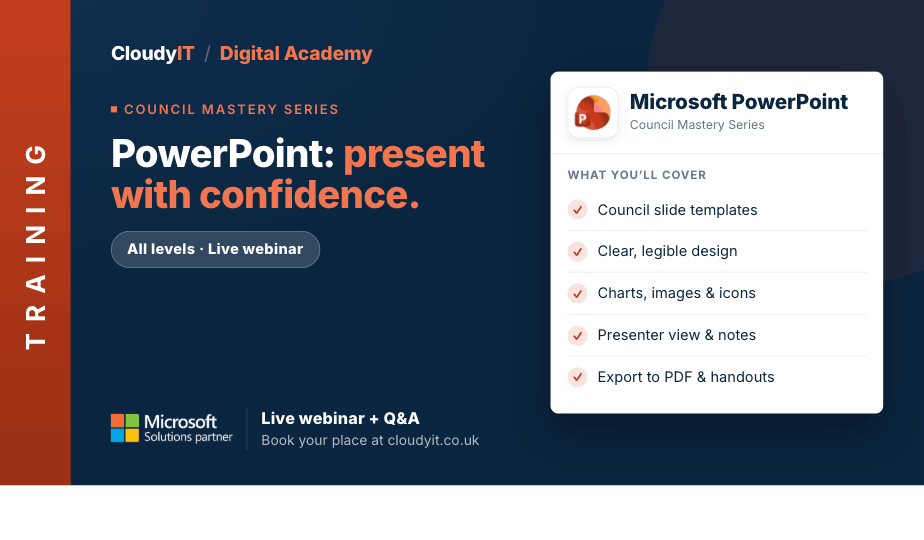
Live Webinar + Q&A
£65 or equivalent Training CreditPowerPoint for Busy Councils – Present with Confidence
Need to present council updates, committee briefings, project information, or community messages clearly? This practical session shows you how to create professional PowerPoint presentations. ...

Free 60-Minute Live Webinar + Q&A
GovFinance: Modern Financial Management for Councils
Paperless Council Finance: Save Time from Budget Setting to Audit. Reduce administration and make finance easier before budget season begins. ...
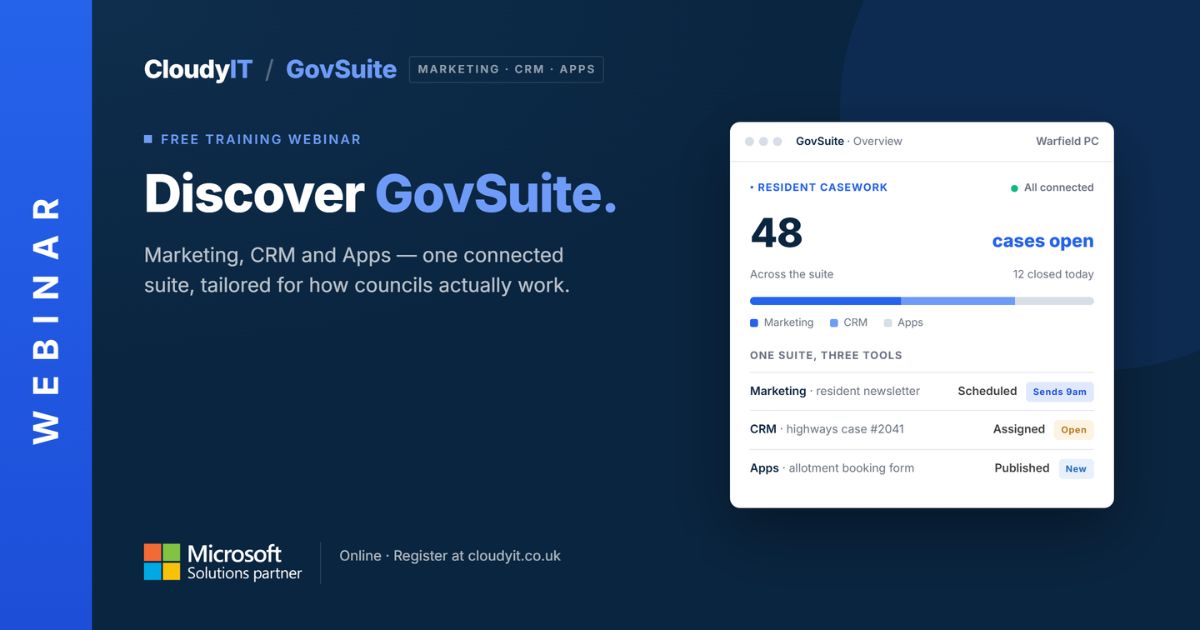
Free 60-Minute Live Webinar + Q&A
GovSuite: The Everyday Apps That Run Your Council
GovSuite is a set of apps built for councils that handle exactly these tasks, all connected through Microsoft 365. This session tours the apps, shows them in action ...
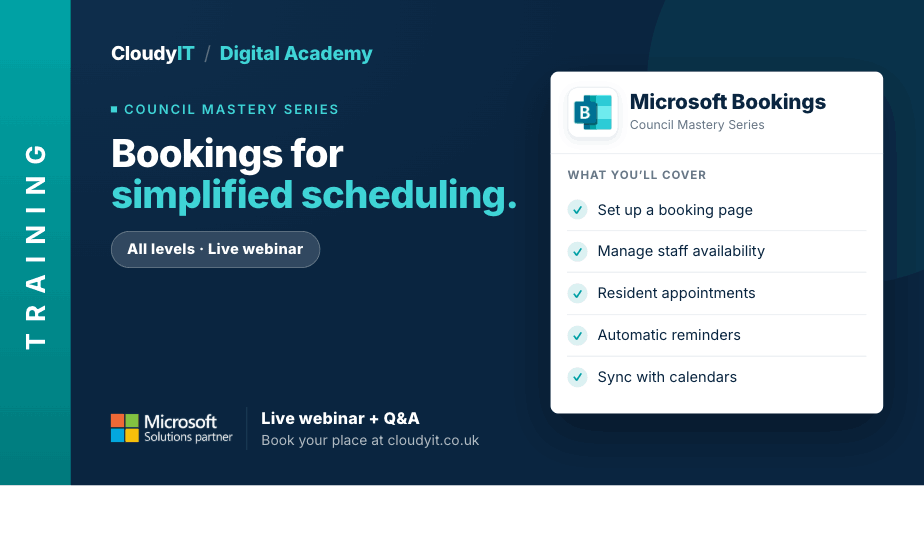
Live Webinar + Q&A
£65 or equivalent Training CreditBookings for Simplified Appointment Scheduling
This session shows how councils can use Microsoft Bookings to manage appointments, services, venue reservations, and events more efficiently. ...

Live Webinar + Q&A
£65 or equivalent Training CreditWord – Polished Documents and Smarter Workflows
This advanced session focuses on creating more polished, professional documents while creating more efficient workflows. ...
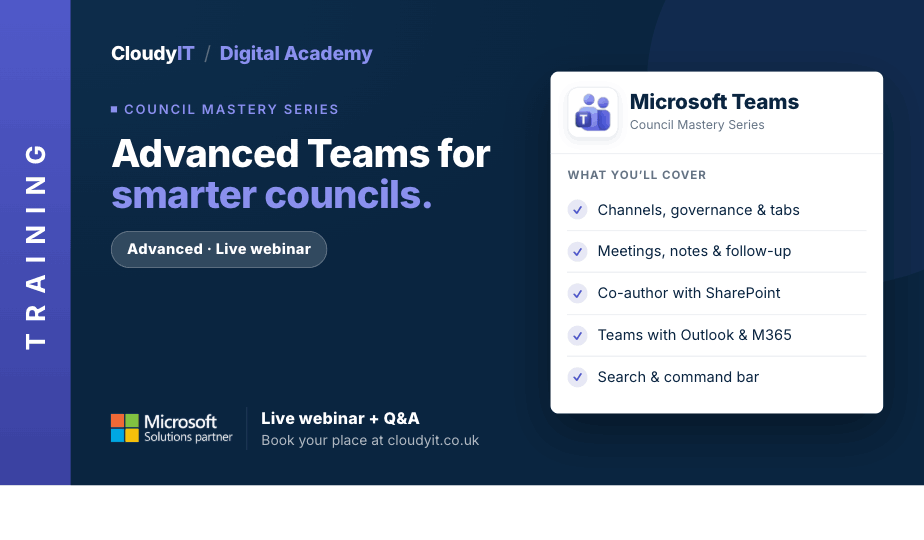
Live Webinar + Q&A
£65 or equivalent Training CreditAdvanced Teams for Smarter Councils
This advanced session is designed for delegates who already use Microsoft Teams and want to work more strategically across communication, collaboration, and file management. ...
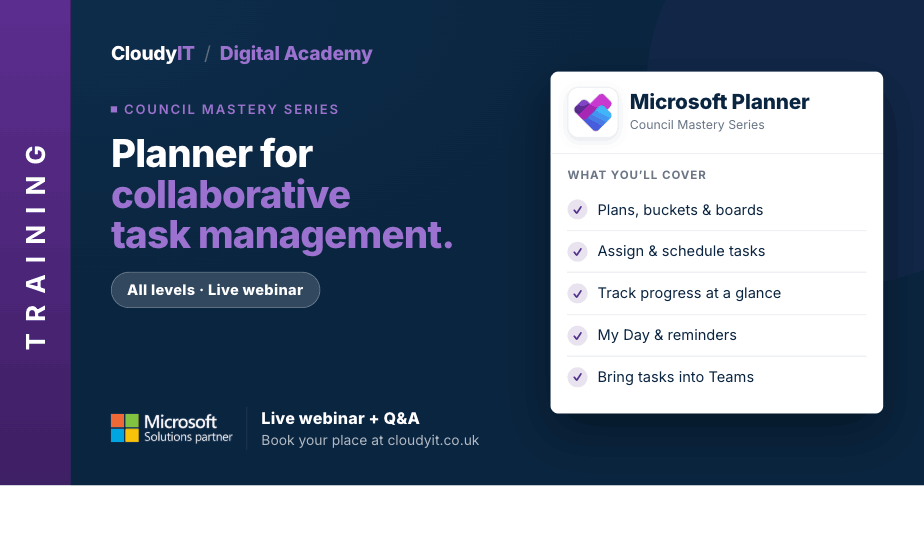
Live Webinar + Q&A
£65 or equivalent Training CreditPlanner for Collaborative Task Management
This session shows how councils can use Microsoft Planner to organise projects, assign tasks, and keep progress visible across teams. ...
Live Webinar + Q&A
£65 or equivalent Training CreditCopilot AI for Councils – Beginners
A clear starting point for council staff who are new to Microsoft 365 Copilot, this beginner-friendly session explains what Copilot is, what is included in Microsoft 365, and how to use it safely ...
Live Webinar + Q&A
£65 or equivalent Training CreditExcel – Essentials
This session is designed for people who want to move beyond simply getting by and start using Excel in a more efficient and purposeful way. ...
Live Webinar + Q&A
£65 or equivalent Training CreditLoop for Shared Ideas and Team Working
This session introduces Loop as a practical workspace for councils, helping teams collaborate more effectively, organise shared content, and connect ideas across Microsoft 365. ...
Live Webinar + Q&A
£65 or equivalent Training CreditWord – Better Documents, Less Formatting Stress
This intermediate practical session is designed for those who want to create better-structured Word documents with less frustration. ...
Advanced Level Live Webinar + Q&A
£65 or equivalent Training CreditSharePoint Advanced for Governance and Collaboration
This advanced session builds on the essentials and shows how SharePoint can support smarter collaboration, stronger governance, and more secure document management across Microsoft 365. ...
Live Webinar + Q&A
£65 or equivalent Training CreditCopilot AI for Councils – Advanced
This advanced session is for delegates who already understand the basics and want to use Microsoft 365 Copilot more effectively in everyday council work. ...
Live Webinar + Q&A
£65 or equivalent Training CreditTeams Essentials for Everyday Communication
This session is the perfect place to begin your journey with Microsoft Teams and discover its benefits for collaboration. Designed for new users of Microsoft Teams ...
LIVE WEBINAR + Q & A
£65 or equivalent Training CreditCouncil Mastery Series: Cyber Security Training for Officers
This focused session provides clear, practical guidance on how to work securely, avoid common mistakes, and reduce risk across your council’s digital environment. ...
Live Webinar + Q&A
£65 or equivalent Training CreditMicrosoft 365 – Unlocking the Mystery
This beginner-friendly session introduces the core Microsoft 365 apps councils use every day, helping delegates understand the basics, feel less overwhelmed, and build confidence in a new digital workspace. ...
Live Webinar + Q&A
£65 or equivalent Training CreditCopilot AI for Councils – Comms and Content Creation
This specialist session is designed for council staff who create communications campaigns, newsletters, social media posts, web content and promotional material. ...
Live Webinar + Q&A
£65 or equivalent Training CreditNew Outlook Advanced – Collaboration, Copilot and Automation
This advanced session builds on New Outlook Essentials by moving beyond inbox confidence into smarter collaboration, automation, Copilot support, and safer information handling. ...
Live Webinar + Q&A
£65 or equivalent Training CreditExcel – Formulas, Accuracy and Control
Strengthen your Excel skills by learning how formulas and functions work, why they sometimes go wrong, and how to use them with greater confidence. ...
Advanced Level Live Webinar + Q&A
£65 or equivalent Training CreditSharePoint Essentials for Smarter File Management
This beginner-level practical session helps councils take control of files across Teams, OneDrive and SharePoint so documents are easier to store, find, share, and manage. ...
Live Webinar + Q&A
£65 or equivalent Training CreditPowerPoint for Busy Councils – Present with Confidence
Need to present council updates, committee briefings, project information, or community messages clearly? This practical session shows you how to create professional PowerPoint presentations. ...
Live Webinar + Q&A
£65 or equivalent Training CreditBookings for Simplified Appointment Scheduling
This session shows how councils can use Microsoft Bookings to manage appointments, services, venue reservations, and events more efficiently. ...
Live Webinar + Q&A
£65 or equivalent Training CreditWord – Polished Documents and Smarter Workflows
This advanced session focuses on creating more polished, professional documents while creating more efficient workflows. ...
Live Webinar + Q&A
£65 or equivalent Training CreditAdvanced Teams for Smarter Councils
This advanced session is designed for delegates who already use Microsoft Teams and want to work more strategically across communication, collaboration, and file management. ...
Live Webinar + Q&A
£65 or equivalent Training CreditPlanner for Collaborative Task Management
This session shows how councils can use Microsoft Planner to organise projects, assign tasks, and keep progress visible across teams. ...
Live Webinar + Q&A
£65 or equivalent Training CreditNew Outlook Advanced – Collaboration, Copilot and Automation
This advanced session builds on New Outlook Essentials by moving beyond inbox confidence into smarter collaboration, automation, Copilot support, and safer information handling. ...
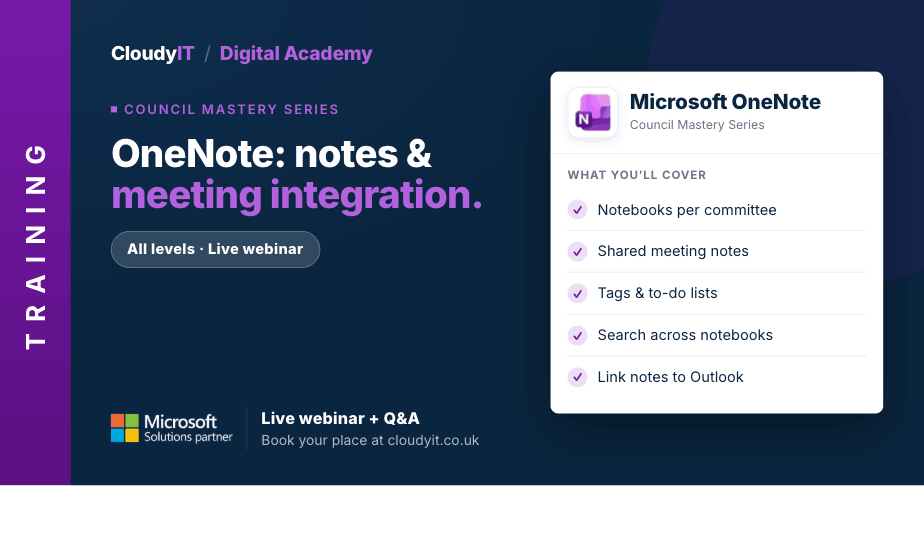
Live Webinar + Q&A
£65 or equivalent Training CreditOneNote for Streamlining Notes and Meeting Integration
This session shows how councils can use OneNote to organise meeting notes, manage information, track actions, and collaborate more effectively across teams. ...
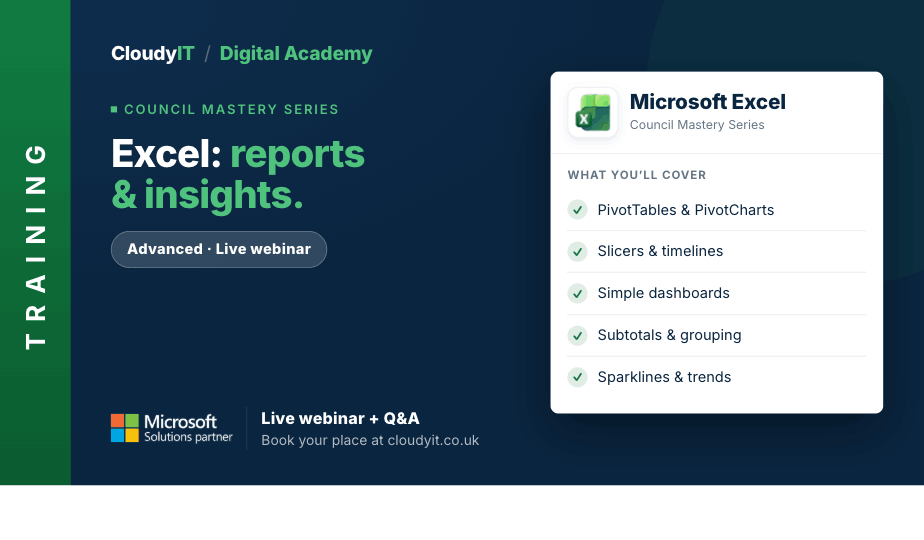
Live Webinar + Q&A
£65 or equivalent Training CreditExcel – Reports & Insights
Comfortable with basic Excel? Take the next step to master functions, improve data accuracy, and boost your confidence. Ideal after taking Excel Essentials. ...
Advanced Level Live Webinar + Q&A
£65 or equivalent Training CreditSharePoint Advanced for Governance and Collaboration
This advanced session builds on the essentials and shows how SharePoint can support smarter collaboration, stronger governance, and more secure document management across Microsoft 365. ...
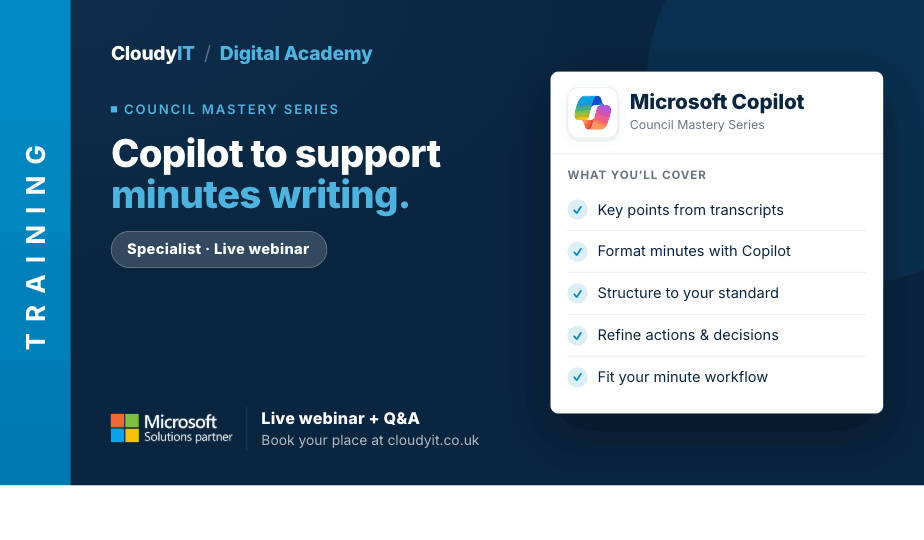
Live Webinar + Q&A
£65 or equivalent Training CreditCopilot AI to Support Minutes Writing
Join this hands-on session shows how Microsoft Copilot can support minute writing by improving speed, accuracy, and confidence, with practical examples, live demonstration, and real council meeting scenarios. ...
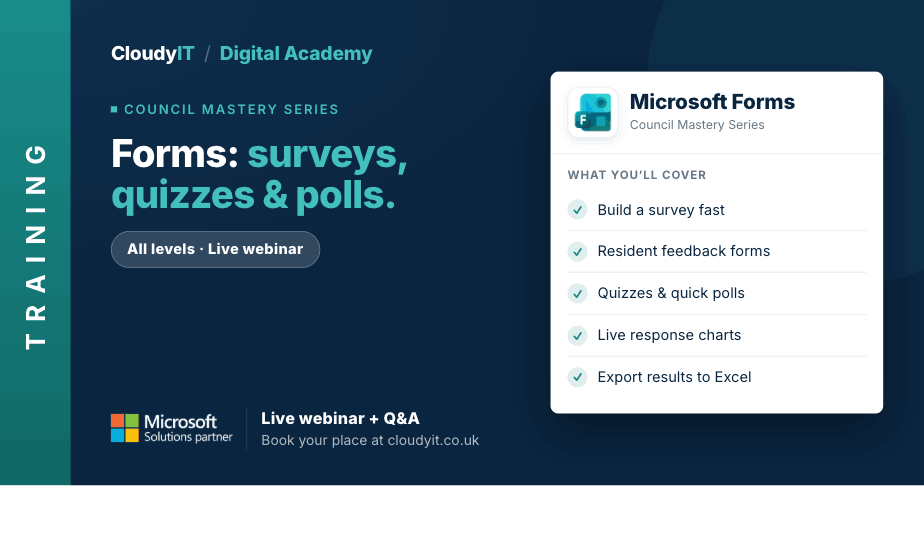
Live Webinar + Q&A
£65 or equivalent Training CreditForms for Creating Interactive Surveys, Quizzes & Polls
This session shows how councils can use Microsoft Forms to create surveys, quizzes, and polls that gather useful feedback from staff, councillors, residents, and stakeholders. ...
Free 60-Minute Live Webinar + Q&A
GovMeetings for Larger Councils Multiple Committees. One Way of Working.
Join us to learn practical ways to simplify committee management, strengthen governance & reduce admin with GovMeetings, a Microsoft 365 way of working. ...
Free 60-Minute Live Webinar + Q&A
GovMeetings: Less Meeting Admin, More Time on What Matters
Join our engaging webinar to explore how Town and Parish Council meetings can be transformed through the integration of Microsoft 365 with GovMeetings by CloudyIT. ...
Free 60-Minute Live Webinar + Q&A
GovAssist: Practical AI for Local Government
Find out more: https://govassist.co.uk/ Overview: AI is everywhere in the headlines, ...
Free 60-Minute Live Webinar + Q&A
GovFinance: Modern Financial Management for Councils
Paperless Council Finance: Save Time from Budget Setting to Audit. Reduce administration and make finance easier before budget season begins. ...
Free 60-Minute Live Webinar + Q&A
GovSuite: The Everyday Apps That Run Your Council
GovSuite is a set of apps built for councils that handle exactly these tasks, all connected through Microsoft 365. This session tours the apps, shows them in action ...
Free 60-Minute Live Webinar + Q&A
SmartChamber: Hybrid-Ready Meetings for the Modern Chamber
This session shows how the right audio-visual set–up, councillor devices, and meeting software turn a patched-together meeting into one that works for everyone, whether they’re in the room or at home. ...


