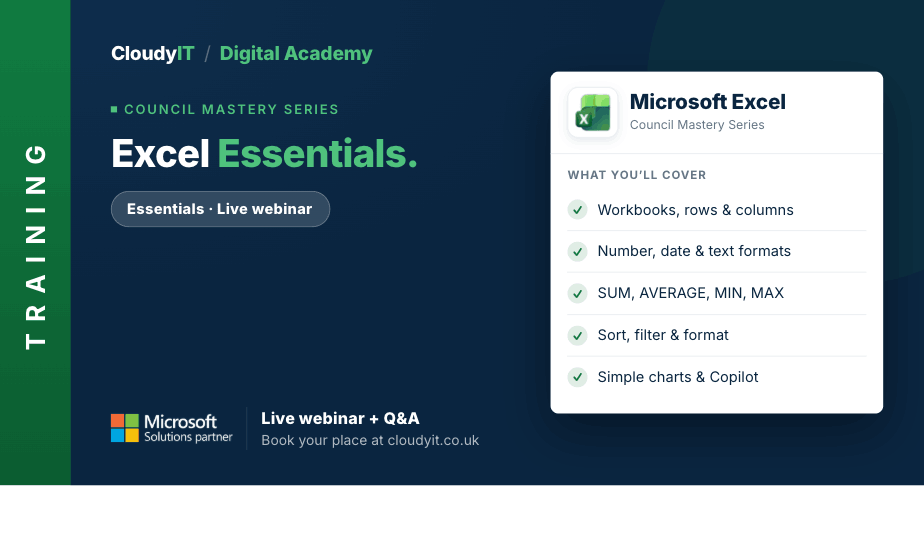
Excel – Essentials
Overview:
Build confidence in Excel by learning the everyday skills that help you work more quickly, accurately, and with less frustration. This session is designed for people who want to move beyond simply getting by and start using Excel in a more efficient and purposeful way. You will learn how to use basic calculations and functions, organise and present information clearly, and see how Copilot can provide everyday support with formulas, explanations, and worksheet improvements.
Key Topics:
- Tips and tricks to work confidently and efficiently in Excel
- Using the correct data formats for numbers, dates and text
- Creating simple calculations using addition, subtraction, multiplication and division
- Using essential functions such as SUM, AVERAGE, MIN, MAX and COUNT
- Sorting and filtering data to find information quickly
- Formatting data clearly to make worksheets easier to read
- Creating simple charts to present information visually
- Understanding the Law of Maths (BODMAS) and why formula order matters
- Using named ranges in formulas to improve clarity
- Preparing spreadsheets for printing and presenting outputs professionally
- Getting started with Copilot AI in Excel for everyday support
These practical scenarios show how the skills from this session apply to everyday council spreadsheet tasks.
Scenarios:
1. A town clerk is preparing a simple budget monitoring sheet for the finance committee and needs to enter figures correctly, total spending with basic formulas, and check how spending compares against budget.
2. A council officer needs to sort supplier payments by date and filter financial records quickly to answer questions during a meeting.
3. A clerk wants to format a worksheet clearly, so income, expenditure, and totals are easier to read and less likely to be misunderstood.
4. A delegate needs to create a simple chart to present budget or service data visually for councillors or committee members.
5. A member of staff wants help from Copilot to suggest a formula, explain an Excel function, or improve the layout of a worksheet.
Who Should Attend:
Ideal for beginners or occasional Excel users who want to build confidence and save time with everyday spreadsheet tasks. Suitable for council staff, clerks and anyone who needs a stronger foundation before moving on to more advanced Excel features.
Pricing:
- Free for CloudyIT customers using a training credit
- £65 for non-CloudyIT customers (read T&Cs)
Continue Your Digital Learning Journey:
Continue with the other Excel sessions to build confidence with functions, references, validation, and conditional formatting. Each Excel session builds naturally on the last, helping you move from everyday spreadsheets to confident, time-saving Excel skills that make a real difference in council work.
Keep Building Your Digital Confidence:
- Try the Microsoft 365 Digital Skills Audit Tool
- Join an AI in Local Government Members’ Day
- Come along to a DisGovery Day in person