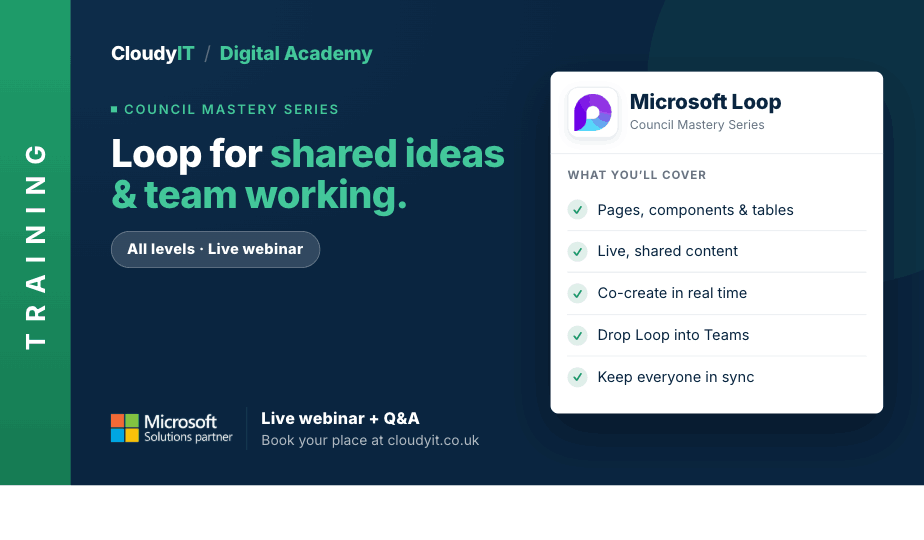
Loop for Shared Ideas and Team Working
Overview:
This session introduces Loop as a practical workspace for councils, helping teams collaborate more effectively, organise shared content, and connect ideas across Microsoft 365. It also explores how Copilot in Loop can help teams summarise content, generate ideas, and move shared work forward more efficiently.
Key Topics:
- What is Loop?
- Creating and choosing content in a Workspace
- Using components and pages to collaborate
- Using Copilot in Loop to summarise content, generate ideas, and organise shared work
- Embedding Loop in other Microsoft 365 tools
These practical scenarios show how the skills from this session apply to shared planning, collaboration, and idea development across council teams.
Scenarios:
1. A council team wants to understand what Loop is and where it fits alongside Teams, Outlook, and other Microsoft 365 tools.
2. Officers need a shared workspace to gather ideas, notes, and content for a project or service improvement.
3. A team wants to use Loop components and pages so everyone can collaborate on the same content without version confusion.
4. Staff want to use Copilot in Loop to summarise a working page, suggest next steps, or turn rough ideas into a clearer plan.
5. Staff want to embed Loop into Teams, Outlook, or meetings so collaboration happens where the work already is.
Who Should Attend:
Ideal for council staff, clerks, and teams who need to collaborate across departments, gather ideas, or work together on shared content. This session is especially useful for those who want a more flexible way to organise information and move work forward across Microsoft 365.
Pricing:
- Free for CloudyIT customers using a training credit
- £65 for non-CloudyIT customers (read T&Cs)
Continue Your Digital Learning Journey:
Take the next step with related sessions on Teams, Outlook, Planner, OneNote, Bookings, and Forms to see how Loop supports shared thinking, clearer content, and faster collaboration across Microsoft 365.
Keep Building Your Digital Confidence:
- Try the Microsoft 365 Digital Skills Audit Tool
- Join an AI in Local Government Members’ Day
- Come along to a DisGovery Day in person