OneNote for Streamlining Notes and Meeting Integration
Overview:
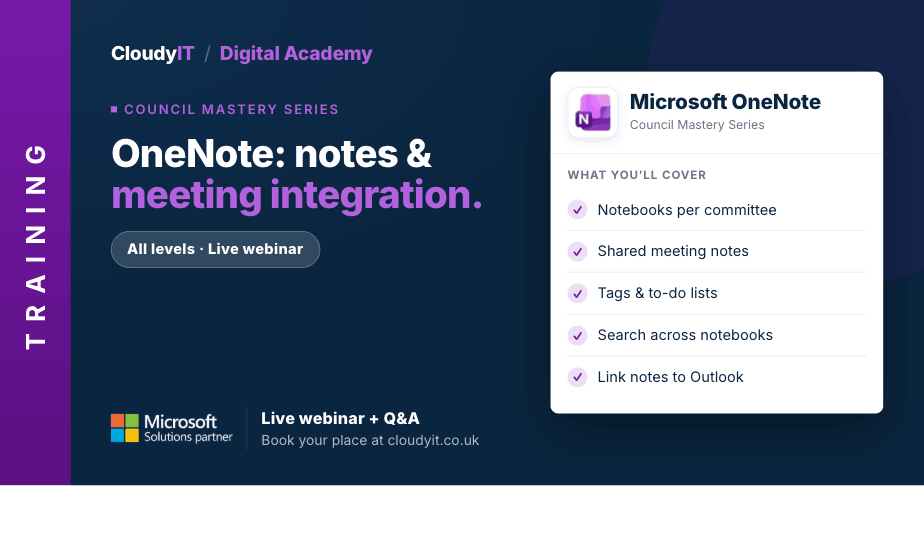
This session shows how councils can use OneNote to organise meeting notes, manage information, track actions, and collaborate more effectively across teams. It also explores how Copilot in OneNote can help summarise notes, organise content, and support follow-up actions more efficiently.
Key Topics:
- Creating and organising notebooks, sections, and pages
- Using Copilot in OneNote to summarise notes, organise content, and generate follow-up actions
- Using tags to track tasks, priorities, and follow-ups
- Integrating OneNote with Outlook for seamless meeting preparation and follow-up
- Collaborating on shared notebooks in real time
These practical scenarios show how the skills from this session apply to organising notes, tracking actions, and supporting meetings more effectively across the council.
Scenarios:
1. A clerk or officer wants notebooks, sections, and pages organised properly so meeting notes and project information are easy to find.
2. Delegates want to explore how Copilot can support summarising, drafting, or organising information in OneNote.
3. Staff need tags to track actions, priorities, and follow-up items from meetings or ongoing work.
4. A council wants OneNote and Outlook to work together more smoothly for meeting preparation and follow-up.
5. Teams want to collaborate in shared notebooks so information is available and updated in real time.
Who Should Attend:
Ideal for council clerks, administrators, and staff who regularly take notes, manage meeting information, or track follow-up actions. This session is especially useful for those who want a more organised way to capture, share, and act on information across council work.
Pricing:
- Free for CloudyIT customers using a training credit
- £65 for non-CloudyIT customers (read T&Cs)
Continue Your Digital Learning Journey:
Take the next step with related sessions on Teams, Outlook, Loop, Forms, Bookings, and Planner to organise information more clearly and support stronger follow-up across council work.
Keep Building Your Digital Confidence:
- Try the Microsoft 365 Digital Skills Audit Tool
- Join an AI in Local Government Members’ Day
- Come along to a DisGovery Day in person