Forms for Creating Interactive Surveys, Quizzes & Polls
Overview:
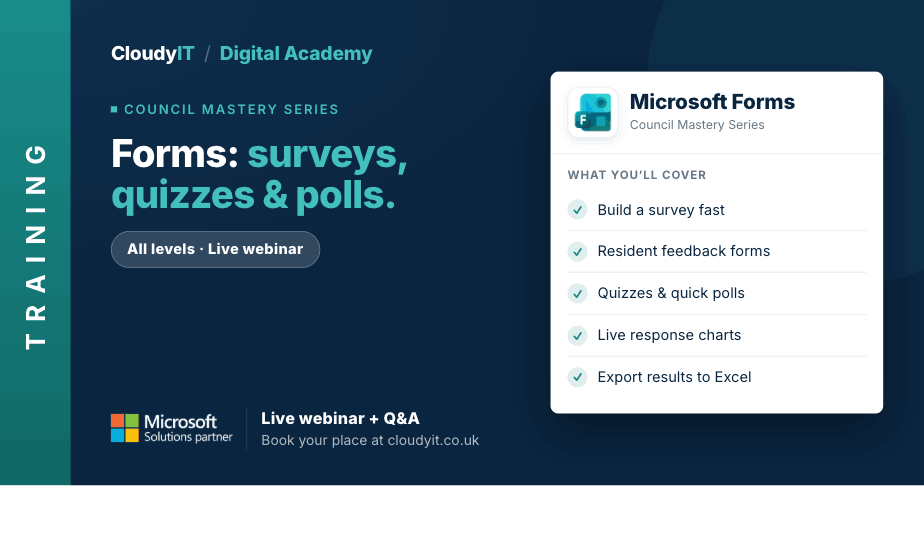
This session shows how councils can use Microsoft Forms to create surveys, quizzes, and polls that gather useful feedback from staff, councillors, residents, and stakeholders. It also shows how Copilot can help improve question wording, shape clearer forms, and support faster interpretation of response themes.
Key Topics:
- Creating and customising surveys, quizzes and polls
- Analysing responses with built-in reporting tools
- Sharing forms and embedding them into council communications
- Using Copilot to help draft questions, improve wording, and interpret response themes
- Practical examples for council use
These practical scenarios show how the skills from this session apply to gathering feedback, running consultations, and improving council forms and surveys.
Scenarios:
1. A council wants to create a survey, quiz, or poll to gather views from staff, councillors, or residents.
2. Officers need to review responses quickly using built-in reporting and summary tools.
3. A form needs to be shared in emails, newsletters, intranet pages, or other council communications.
4. Staff want to use Copilot to improve question wording, create clearer response options, or summarise common themes in feedback.
5. Delegates want practical examples of how Forms can support consultations, feedback, registrations, or internal checks.
Who Should Attend:
Ideal for councillors, clerks, officers, and council staff who gather feedback, run consultations, or collect information from residents, colleagues, or stakeholders. This session is especially useful for those who want to create clearer forms, stronger questions, and more useful responses.
Pricing:
- Free for CloudyIT customers using a training credit
- £65 for non-CloudyIT customers (read T&Cs)
Continue Your Digital Learning Journey:
Take the next step with related sessions on Teams, Outlook, Loop, OneNote, Bookings, and Forms to turn ideas, actions, and meeting outcomes into clearer plans and priorities.
Keep Building Your Digital Confidence:
- Try the Microsoft 365 Digital Skills Audit Tool
- Join an AI in Local Government Members’ Day
- Come along to a DisGovery Day in person