Planner for Collaborative Task Management
Overview:
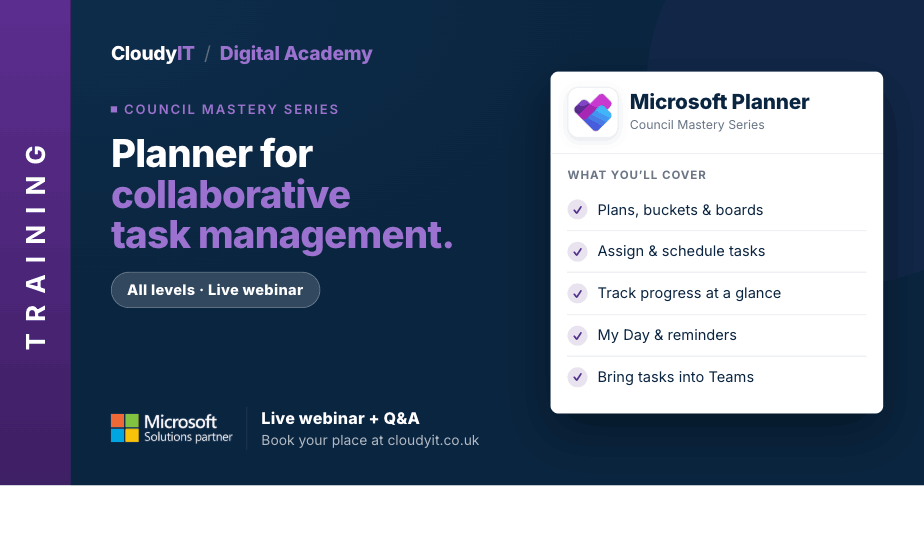
This session shows how councils can use Microsoft Planner to organise projects, assign tasks, and keep progress visible across teams. It also explores how Copilot in Planner can help turn ideas and meeting outcomes into structured plans, suggested tasks, and clearer priorities.
Key Topics:
- Setting up Planner task boards for team coordination
- Assigning tasks and tracking deadlines
- Monitoring project progress and maintaining accountability
- Using Copilot in Planner to create plans, break work into tasks, and identify priorities
- Integrating Planner with Teams for streamlined collaboration
These practical scenarios show how the skills from this session apply to planning, assigning, and tracking council work more clearly across teams.
Scenarios:
1. A council team needs a Planner board to organise tasks for a project, event, or service improvement.
2. Officers want to assign tasks, set deadlines, and make responsibilities clearer across the team.
3. A manager or project lead needs to monitor progress and keep accountability visible without chasing updates manually.
4. Staff want to use Copilot in Planner to turn a project idea or meeting outcome into a structured plan with suggested tasks and priorities.
5. A team wants Planner connected to Teams so tasks and conversations stay together in one workspace.
Who Should Attend:
Ideal for councillors, clerks, officers, project leads, and council staff who need to organise work, assign actions, and keep progress visible across a team. This session is especially useful for those managing projects, events, service improvements, or shared responsibilities.
Pricing:
- Free for CloudyIT customers using a training credit
- £65 for non-CloudyIT customers (read T&Cs)
Continue Your Digital Learning Journey:
Take the next step with related sessions on Teams, Outlook, Loop, OneNote, Bookings, and Forms to turn ideas, actions, and meeting outcomes into clearer plans and priorities.
Keep Building Your Digital Confidence:
- Try the Microsoft 365 Digital Skills Audit Tool
- Join an AI in Local Government Members’ Day
- Come along to a DisGovery Day in person