

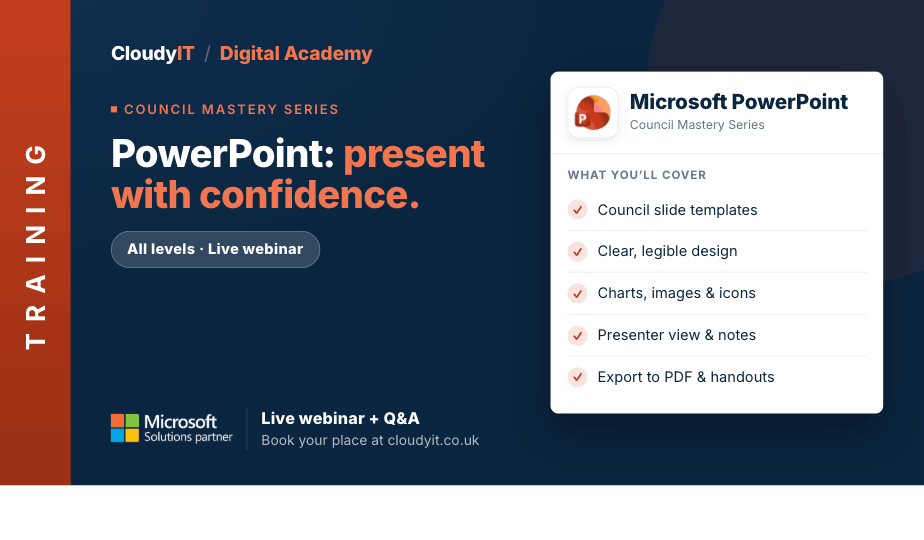
PowerPoint for Busy Councils – Present with Confidence
Overview:
Need to present council updates, committee briefings, project information, or community messages clearly? This practical session shows you how to create professional PowerPoint presentations that are easy to build and easy to deliver. You will learn how to structure slides, improve visual impact, and present with more confidence.
Key Topics:
- Planning slides for meetings, briefings, updates, and public messages
- Designing clear, professional slides that are easy to follow
- Turning reports and figures into visuals with charts, SmartArt, and layouts
- Using templates, themes, and Slide Master for consistent design
- Adding speaker notes and handouts to support delivery
- Linking PowerPoint with Excel to present figures clearly
- Using Designer and Copilot to speed up slide creation
- Using Copilot to draft notes, summarise content, and improve slides
- Using Rehearse Coach to practise timing, pacing, and delivery
- Turning presentations into videos for sharing and reuse
- Using simple delivery tips to present with confidence
These practical scenarios show how the skills from this session apply to creating clearer, more professional council presentations with confidence.
Scenarios:
1. A clerk needs to turn a long committee report into a short, clear slide deck for councillors.
2. A project lead wants to present a council update using simple charts, icons, and visuals.
3. An officer needs a professional presentation for a public meeting or community event.
4. A council team wants to reuse a consistent branded design using themes, templates, and Slide Master.
5. A delegate needs speaker notes, handouts, and simple delivery tips to present with more confidence.
6. A clerk needs to bring Excel figures into PowerPoint to show budgets, service data, or consultation results clearly.
7. Staff want to use Designer, Copilot, and Rehearse Coach to speed up slide creation and practise delivery.
8. A clerk wants to use Copilot to turn briefing content into speaker notes, improve slide wording, and sharpen key messages.
9. A council wants to turn a presentation into a video for sharing, reuse, or on-demand viewing.
Who Should Attend:
Ideal for clerks, officers, councillors, project leads, and anyone who needs to explain information clearly. This session is perfect for those creating presentations for meetings, staff briefings, project updates, consultation feedback or public events.
Pricing:
- Free for CloudyIT customers using a training credit
- £65 for non-CloudyIT customers (read T&Cs)
Continue Your Digital Learning Journey:
Build on this session with Microsoft 365 AI Copilot for Councils – Comms and Content Creation to explore how Copilot can help you create stronger presentation content, sharpen key messages, and communicate more confidently across council updates, campaigns, and public-facing materials.
Take your next step with tools designed to help you assess your Microsoft 365 skills and grow your digital confidence.
- Complete the Microsoft 365 Digital Skills Audit Tool
- Join us for an AI in Local Government Members’ Day
- Explore an in-person DisGovery Day


