Excel – Formulas, Accuracy and Control
Overview:
Strengthen your Excel skills by learning how formulas and functions work, why they sometimes go wrong, and how to use them with greater confidence. This session is ideal for learners who want to move beyond basic calculations and start using Excel more accurately and effectively, with Copilot used to help explain formulas, troubleshoot errors, and support clearer spreadsheet decisions.
Key Topics:
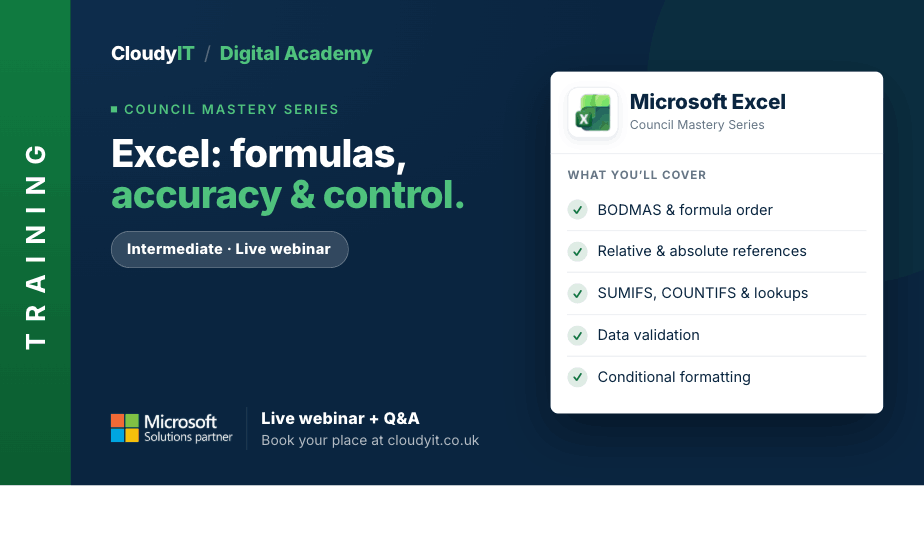
- Working with relative, absolute and mixed cell references
- Troubleshooting why formulas go wrong
- Using logical and lookup functions to return the right information
- Exploring functions such as SUMIFS, COUNTIFS, AVERAGEIFS, TEXT and date functions
- Using named ranges in formulas to improve clarity
- Applying data validation to improve consistency and accuracy
- Working with conditional formatting to highlight important values automatically
- Sharing and protecting workbooks, worksheets and cells
- Using Copilot AI in Excel to support formulas and functions
These examples show how stronger formula skills can improve accuracy, control, and confidence in real council spreadsheets.
Scenarios:
1. A council officer needs formulas that correctly calculate totals in a grants tracking spreadsheet.
2. Applications nearing their deadline need to be highlighted automatically using conditional formatting.
3. Funding status needs to be returned accurately for each project using the right formula or function.
4. Data validation is needed to control entry choices and reduce errors in the spreadsheet.
5. Key parts of the workbook need to be protected before sharing with senior officers or members.
6. Copilot is used to troubleshoot formulas that are not returning the expected result.
Who Should Attend:
Best suited to learners who already feel comfortable entering data, using simple formulas and navigating worksheets, and now want to improve accuracy and confidence when working with functions. Ideal for those who have attended Excel Essentials or have equivalent experience.
Pricing:
- Free for CloudyIT customers using a training credit
- £65 for non-CloudyIT customers (read T&Cs)
Continue Your Digital Learning Journey:
Continue with Excel Data Tools and Insights focusing on the Excel tools that help you highlight trends, organise information and present your findings in a professional and visually effective way.
Keep Building Your Digital Confidence:
- Try the Microsoft 365 Digital Skills Audit Tool
- Join an AI in Local Government Members’ Day
- Come along to a DisGovery Day in person