

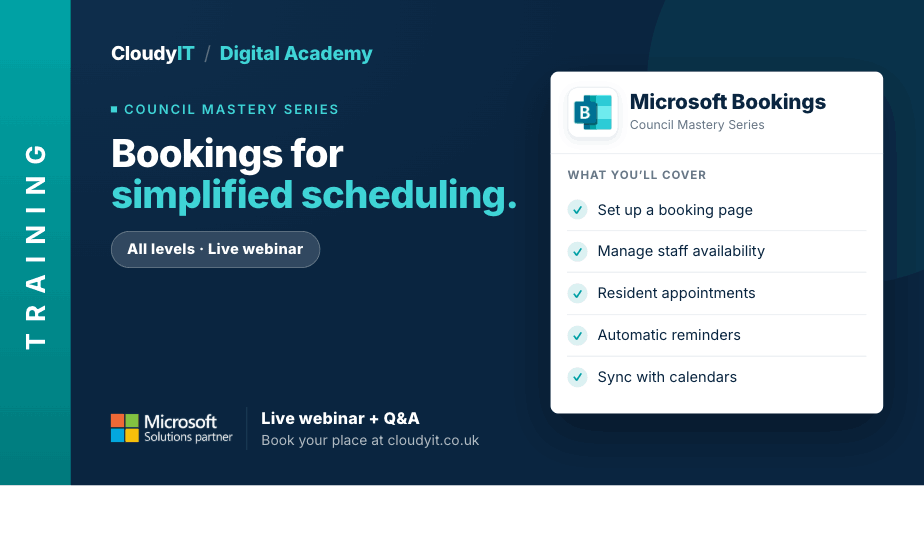
Bookings for Simplified Appointment Scheduling
Overview:
This session shows how councils can use Microsoft Bookings to manage appointments, services, venue reservations, and events more efficiently, while reducing manual admin through better setup and automation. It also highlights how Copilot can support clearer booking descriptions, service wording, and customer-facing communications.
Key Topics:
- Setting up and customising a Microsoft Bookings page for different council services
- Managing staff availability and setting appointment rules
- Creating separate booking systems for venues (e.g., council halls and meeting rooms)
- Using Bookings for community events, such as Christmas market stall reservations
- Using Copilot to help draft booking descriptions, service wording, and customer-facing communications
- Automating confirmations, reminders, and cancellations to reduce administrative workload
These practical scenarios show how the skills from this session apply to booking, scheduling, and service coordination tasks across the council.
Scenarios:
1. A council wants to set up and customise a Bookings page for different services such as appointments, advice sessions, or officer availability.
2. Staff need to manage availability, appointment lengths, buffers, and booking rules more confidently.
3. A council hall, meeting room, or service space needs its own booking process so availability is clear and easy to manage.
4. A community event, consultation, or seasonal activity needs a booking process for residents, attendees, or stall holders.
5. Staff want to use Copilot to draft clearer service descriptions, booking instructions, and reminder wording for residents.
6. Teams want confirmations, reminders, and cancellations automated to reduce administrative effort.
Who Should Attend:
Ideal for clerks, administrators, and council staff responsible for scheduling services, managing bookings, coordinating venues, or organising events. This session is especially useful for those who want to reduce manual admin and improve the booking experience for staff and residents.
Pricing:
- Free for CloudyIT customers using a training credit
- £65 for non-CloudyIT customers (read T&Cs)
Who Should Attend:
Ideal for clerks, administrators, and council staff responsible for scheduling services, managing bookings, coordinating venues, or organising events. This session is especially useful for those who want to reduce manual admin and improve the booking experience for staff and residents.
Continue Your Digital Learning Journey:
Take the next step with related sessions on Outlook, Teams, Planner, Loop, OneNote, and Forms to improve service coordination, booking communications, and resident-facing content.
Take your next step with tools designed to help you assess your Microsoft 365 skills and grow your digital confidence.
- Complete the Microsoft 365 Digital Skills Audit Tool
- Join us for an AI in Local Government Members’ Day
- Explore an in-person DisGovery Day


