Copilot AI for Councils – Advanced
Overview:
This advanced session is for delegates who already understand the basics and want to use Microsoft 365 Copilot more effectively in everyday council work. Focusing on the core apps where Copilot has the biggest impact, it uses realistic council scenarios to show how delegates can draft and refine documents, manage emails and meetings, analyse information, and improve the quality and consistency of their work while staying in control of the final result.
Key Topics:
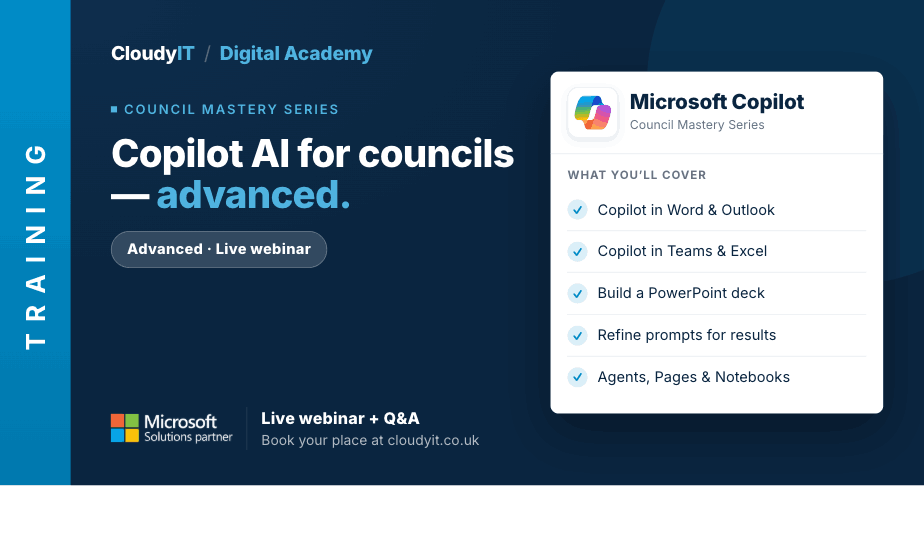
- Use Copilot in Word to draft, rewrite, summarise, and improve council documents
- Use Copilot in Outlook to manage email more effectively, summarise threads, and draft responses
- Use Copilot in Teams to prepare for meetings, capture key points, and identify actions
- Use Copilot in Excel to explore data, spot trends, and support better decision-making
- Work across SharePoint files and information to retrieve useful content quickly and accurately
- Use Copilot in PowerPoint to create professional presentations
- Refine Prompts to get stronger, more consistent results for council tasks
- Understand where Copilot adds value, where human checking is still essential, and how to build better workflows
- Manage your M365 interface using Agents, Pages, and Notes
These practical scenarios show how the skills from this session apply to more advanced council tasks across Microsoft 365 using Copilot.
Scenarios:
1. Draft, edit, summarise and refine a council policy, briefing note, or resident communication in Word using Copilot.
2. Analyse council service data in Excel, create formulas, highlight trends, and prepare a clear summary with Copilot.
3. Create a professional PowerPoint presentation for members, senior officers, or a public briefing using Copilot.
4. Prepare council policies, procedures, and staff communications faster while keeping the language clear and professional.
5. Compose, summarise, and respond to Outlook emails while managing meeting requests and diary pressures more efficiently.
6. Use Teams Copilot to prepare agendas, capture actions, and summarise meeting discussions for council projects.
7. Manage Copilot outputs, explore Agents, and create pages so useful information is not lost after the conversation ends.
Who Should Attend:
Ideal for council officers, clerks, and administrative staff who already understand the basics of Copilot and want to use it more confidently across the main Microsoft 365 apps. This session is especially useful for those looking to improve everyday drafting, summarising, analysis, and meeting-related tasks.
Pricing:
- Free for CloudyIT customers using a training credit
- £65 for non-CloudyIT customers (read T&Cs)
Continue Your Digital Learning Journey:
Take the next step with Microsoft 365 AI Copilot to Support Minutes Writing to see how Copilot can help structure, draft, and refine meeting minutes with confidence.
Keep Building Your Digital Confidence:
- Try the Microsoft 365 Digital Skills Audit Tool
- Join an AI in Local Government Members’ Day
- Come along to a DisGovery Day in person