


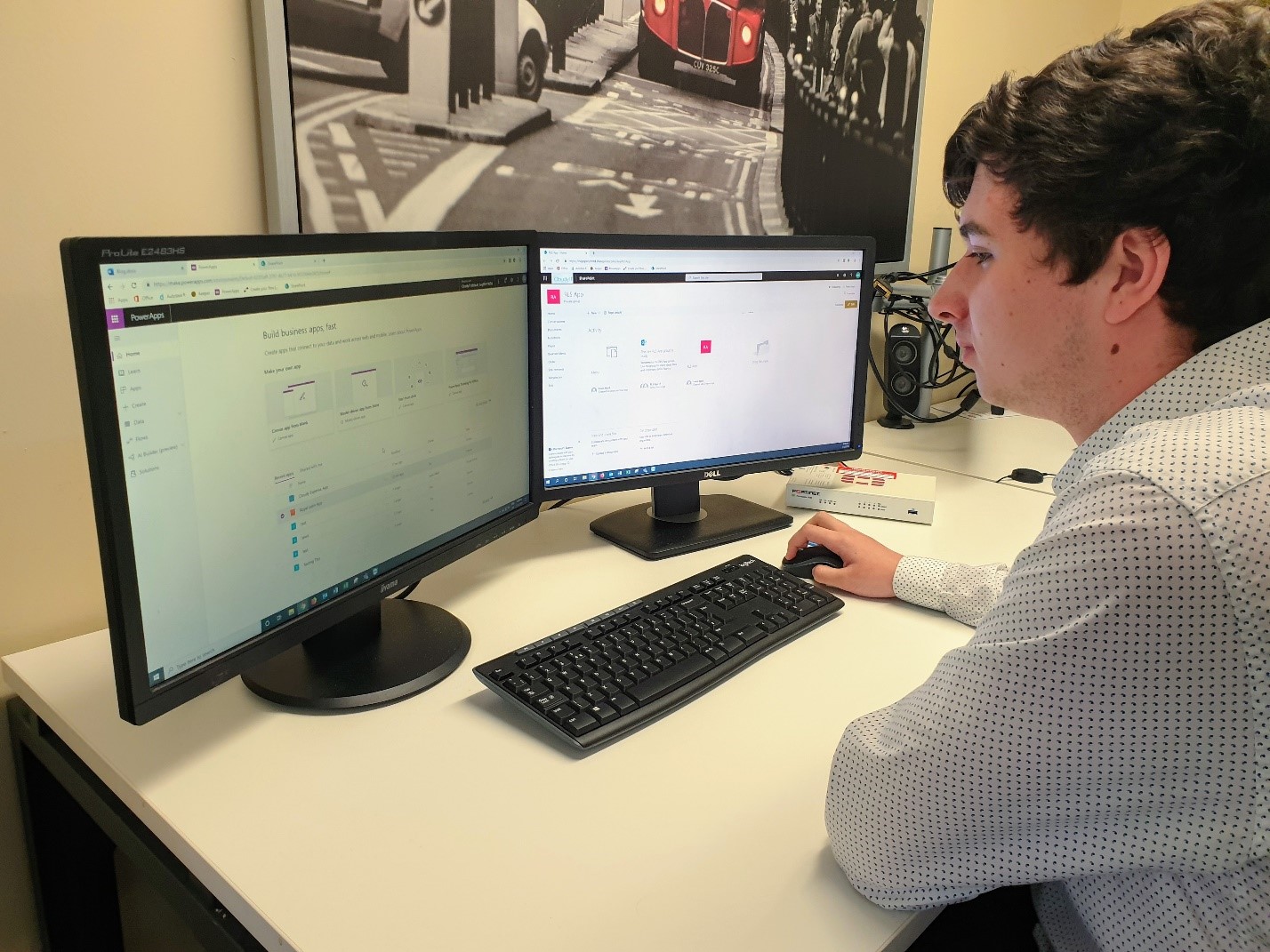
Lewis Ward came to Cloudy Group as part of his 6th form work experience. He worked alongside our app development team working on an internal app designed for tracking expenses. His focus was on the Microsoft Power Platform that includes PowerApps, PowerBI and Microsoft Flow. We asked him to keep a blog of experience at Cloudy Group for his school and for other Apprentices, who wanted to have a glimpse of what its like to work at Cloudy Group.
Getting a job in the field of IT has been my plan for a long time, and although I want to focus on things like software development, I wanted to keep my knowledge fairly general, which means that Cloudy IT was a great place to go since they do a bit of everything. After confirming my week of working here, somebody who went to my old school called Fin contacted me and said the he is currently doing an apprenticeship at Cloudy IT, so I luckily already knew somebody before beginning, however even if I didn’t, I know that I would have instantly felt welcome thanks to their great team. A few weeks before starting, I went to meet with David Hall the director of the Cloudy Group, where he gave me a rundown of what they do and some of their accomplishments, such as the project they did with the council to clean up litter across Milton Keynes. He also told me that they were currently working on an expenses app which I could possibly help to improve during my stay. David was kind, energetic and just as excited as me for this opportunity. He talked about wanting to encourage today’s youth which is also shown in his work with schools. Just a couple weeks later and my first exciting day of work experience was upon me.When I first got there, I was given a computer to work at and my own company email and login. After I signed into my computer, I talked to Neal Pallet, who is the technical director at Cloudy IT. He took me through some of the things that he does on a day to day basis such as customer support. I watched as he took me step by step through the process of dealing with one of the problems that a customer had. He also showed me their ticket system and their policy in dealing with them on a priority first basis. For example, if an individual can’t print a document, it is not as important as an error that completely halts a business’s work. Neil was great at explaining what it was he did and made me feel welcome. Afterwards, I talked with Denis, who took me through how they set up devices for companies, such as phones and computers. He also took me through some more interesting stuff such as virtual machines and the back side of networks, as well as how he monitors them and their performance, which I enjoyed. I then had a meeting with David, in which he talked about what I wanted to do during this week, as well as a bit more about the Cloudy Group, such as Cloudy Creative. Fin then taught me how to use PowerApps, which is the program used here to create applications. I messed around with PowerApps until my first day came to an end. During this day, I learned that Cloudy IT do much more than I expected, providing a large range of services which is quite impressive.
The second day started out with me messing around with Power Apps again. I made a simple application that allows you to interact with a table stored on SharePoint. I also had a look at Power BI, which allows you to create interactable graphs and charts, which you can even implement into your applications made on PowerApps. After a while, I had a meeting with Fin, David and Neil about the expense application, which I was helping to make. We talked about the features and improvements Fin and I needed to make to the app, while we Fin wrote down each one. We split the list between each other and went back to our computers to start working. I first looked at how to allow the application to identify you without having to have the user sign in with a username and password every time, and found that you can link the application to Office 365 and use their account on that to identify them. It was quite an interesting day as I explored what you can achieve within PowerApps and messed around with the features. I have had a great time so far and hope that the week continues this way as I am sure it will.
Day three was spent working on the app, trying to get some of the features implemented. I wanted to get the e-mail system working, so that every time an expense is registered, an email is sent out to the admins, as well as the user who registered it. At first, I looked at what I can do within PowerApps, and found that you can connect Outlook to your application so that you can send emails with just a line of code assigned to the submit button. However, this had some limitations since the email is sent even if the form was not submitted due to an error, such as a required field left empty. Also, the email addresses had to be hard coded, meaning if you need to add a new administrator, you had to edit the code itself, which is not ideal. Then I tried using another utility called Microsoft Flow, making it so that every time an item is added to the SharePoint list, an email is sent to the admins. However, once again, the emails were hard coded. Then, with a bit of help from others in the office, we decided to make a separate SharePoint with the name and emails of each admin, and managed to make it so that the flow loops through this list and adds each email address into the recipients of the sent out email, fixing our problems.
After solving that problem, my fourth day was spent looking at another problem, which was how we would move an item from the expenses list into another list once it had been marked as a complete transaction, which is more of a challenge than expected. I found a solution online that seemed to work using flow, however it had some problems, like for example how it wouldn’t move the item from one list to the other unless another item was edited after. However, after some tinkering it became more efficient and I got it to work properly. I also met with David, Fin and Bianca, who handles the media of Cloudy IT, where we talked about the app Fin and I are making, as well as this blog, which Bianca will be handling after it is finished. We then had another meeting with somebody who had experience with Power Apps, and so was very interested in our project, asking many questions about how we made it, what we use, and talked more about the Power Apps program itself. It was an interesting talk that allowed me to learn more about the power platform, its capabilities and even some other software which I could use, like Microsoft Graph, as well as the RESTful api, which is a kind of software architecture. After those meetings, I worked on the blog for a while, messed with the application and then my day was over.
Before I knew it, my fifth and final day was upon me. I first worked on the app, creating the supplies ordering part of it. I also linked the email flow to the actual application instead of the test data, which means it is fully functional. However, I had to make a second flow for the suppliers ordering part, since a flow can only have 1 trigger and that trigger can only link to a single list. After that, the app was pretty much done so I decided to make a simple food ordering app for my school, which allows you to see 2 different menus, one for drinks, the other for food.
With the week coming to an end, I am grateful to Cloudy IT for accepting me as part of their team for a week and teaching me what they do. I have learned a lot because of it which I am positive will help me in my future endeavors. It has been a great experience which I will definitely remember. They have a very friendly, accepting team who are happy to help and are great at what they do. This week has given me very valuable insight into the world of IT, which I thank them all for greatly. It has given me inspiration to pursue my goal of a career in the field in the future, and I can only hope that this future allows me to be with such a great team again.
For more information on Cloudy Group and also our Apprentice program visit https://cloudy.agency/cloudy-academy/



Add a Comment