

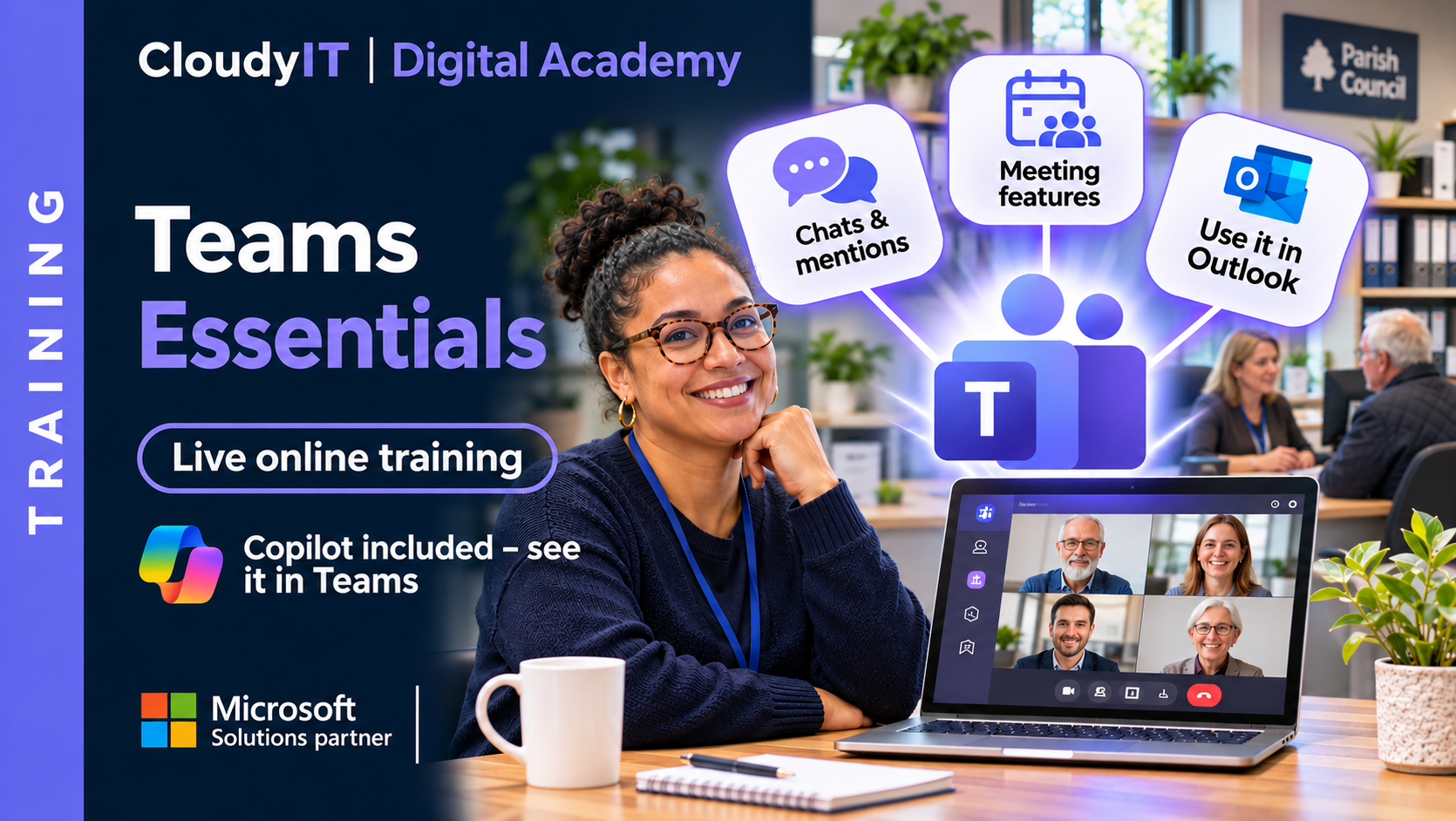
Teams Essentials
Struggling to share your screen in a meeting? Not sure whether to send an email or a Teams message? Perhaps someone shared a document, but you can’t remember where to find it. Teams can make working with colleagues easier, but only when you know how to use it.
Learn how to join and run online meetings, communicate through chats and channels, and find and share documents without endless email attachments. You’ll also learn how to manage notifications, find information quickly and use Teams whether you’re working in the office, at home or on the move.
Who Should Attend
- Anyone new to Teams or wanting to communicate, join online meetings and share files more confidently.
- Council clerks, officers, councillors, administrators and staff in businesses and other organisations.
- No previous Teams experience required. Delegates should be familiar with basic computer and email tasks.
- A paid Copilot licence is not required.
Key Topics
- Find your way around Teams: Understand the layout and when to use chats, teams and channels.
- Communicate without endless emails: Send messages, use replies and @mentions, and keep conversations easy to follow.
- Join and run online meetings: Manage your camera and microphone, share your screen, use meeting chat and understand recording options.
- Find and share documents: Access files from chats and channels, share links and work on documents together.
- Reduce interruptions: Manage notifications, availability and status so Teams doesn’t constantly distract you.
- Find information and work anywhere: Search for messages, people and files, use Teams on mobile and understand how it connects with Outlook and other Microsoft 365 apps.
Practical Scenarios
We’ll explore familiar workplace situations to show how Teams can make communication and meetings easier, including:
- Running an online council or team meeting: Invite participants, share an agenda on screen and manage meeting controls confidently.
- Replacing a long email chain: Use a Teams conversation to discuss an event or project and keep everyone’s responses together.
- Finding a document someone shared: Locate the latest report or meeting paper and work on it with colleagues without emailing copies.
Pricing
Free for CloudyIT customers using training credits.
£65 for non-CloudyIT customers (read T&Cs).
Continue Your Digital Learning Journey
Continue with Advanced Teams for Smarter Councils to learn how to organise team projects, manage shared information and connect Teams with other Microsoft 365 applications.


