

Online Workshops & Webinars

Explore learning pathways, connect with digital champions, and access tools for smarter governance.

INTERACTIVE SESSIONS FOR PROFESSIONAL GROWTH

Welcome to the CloudyIT E-Learning and Training Hub – your central resource for council management training. In partnership with ALC partners and the SLCC, we offer CPD-certified sessions to enhance your professional skills.

Our expert-led sessions cover cybersecurity, broadcasting council meetings, financial management, and bespoke council applications. CloudyIT customers receive free or discounted access to many of these sessions.

Join our community of lifelong learners to enhance your skills and improve council efficiency. Explore our upcoming webinars and workshops today!

Promotional graphic for a CloudyIT Digital Academy beginner live webinar titled "Teams Essentials for everyday communication." It lists Microsoft Teams topics covered—such as chat, mentions, running meetings, file locations, and notifications—and directs viewers to book at cloudyit.co.uk.
23
November
11:30 am - 1:00 pm
Live Webinar + Q&A
£65 or equivalent Training Credit

SharePoint Essentials for Smarter File Management

This beginner-level practical session helps councils take control of files across Teams, OneDrive and SharePoint so documents are easier to store, find, share, and manage. ...

Promotional graphic for a CloudyIT Digital Academy live beginner webinar titled "Copilot AI for councils." It lists the topics covered, including basics, security, finding documents, drafting content, and writing better prompts, and directs viewers to book at cloudyit.co.uk.
24
November
11:30 am - 1:00 pm
Live Webinar + Q&A
£65 or equivalent Training Credit

Copilot AI for Councils – Beginners

A clear starting point for council staff who are new to Microsoft 365 Copilot, this beginner-friendly session explains what Copilot is, what is included in Microsoft 365, and how to use it safely ...
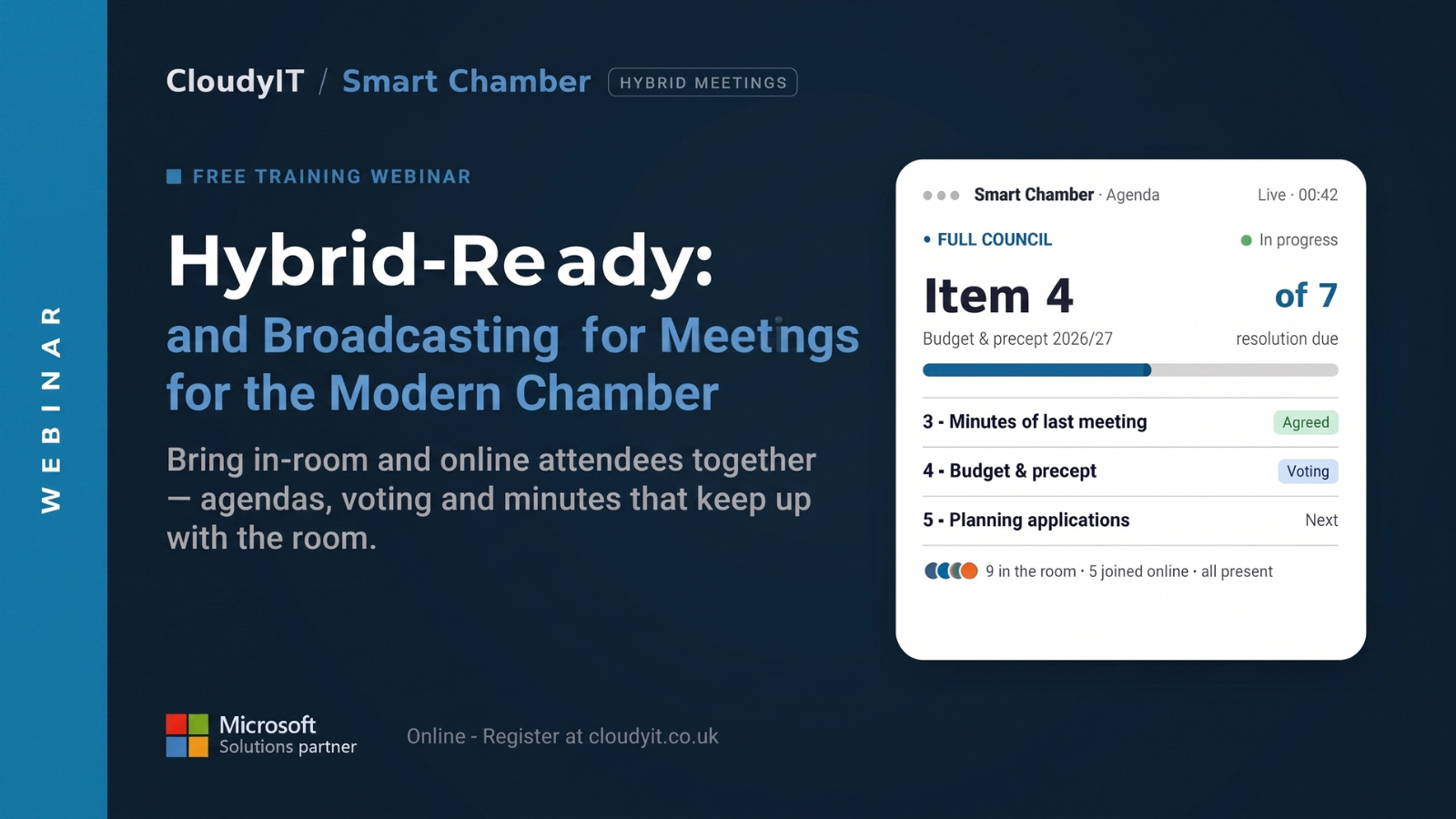
Free CloudyIT Smart Chamber webinar banner promoting hybrid-ready and broadcast-enabled council meetings. The banner features the headline “Hybrid-Ready: and Broadcasting for Meetings for the Modern Chamber” alongside a Smart Chamber agenda dashboard showing a live council meeting, agenda progress, voting status, minute approval, and participation from both in-room and online attendees. Supporting text highlights agendas, voting, and minutes that keep pace with modern hybrid meetings. Microsoft Solutions Partner branding and webinar registration information are displayed at the bottom.
24
November
12:00 pm - 1:00 pm
Free 60-Minute Live Webinar + Q&A

SmartChamber: Hybrid-Ready Meetings for the Modern Chamber

This session shows how the right audio-visual set–up, councillor devices, and meeting software turn a patched-together meeting into one that works for everyone, whether they’re in the room or at home. ...
25
November
11:30 am - 1:00 pm
Live Webinar + Q&A
£65 or equivalent Training Credit

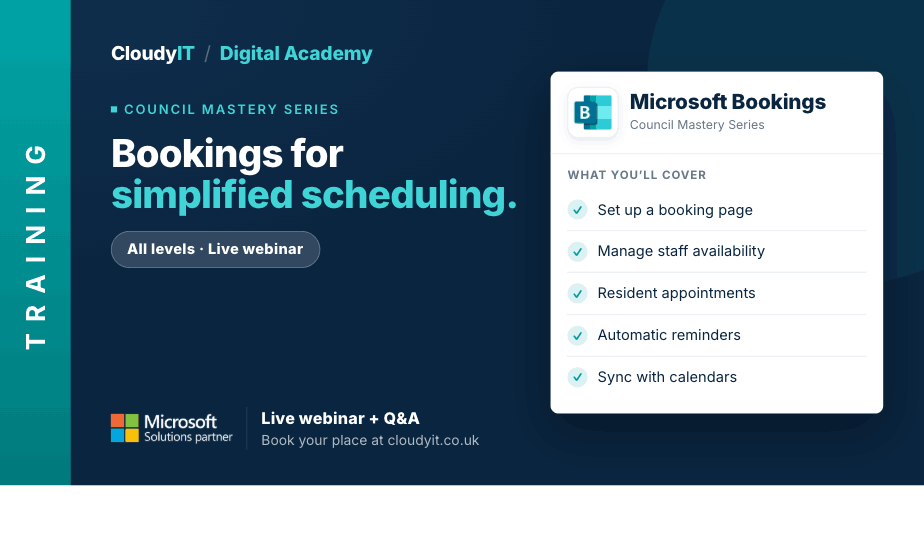
Bookings for Simplified Appointment Scheduling

This session shows how councils can use Microsoft Bookings to manage appointments, services, venue reservations, and events more efficiently. ...
Promotional graphic for a free 60-minute CloudyIT webinar titled 'GovRedact: Safer, Simpler FOIs and SARs.' The banner highlights taking the hours and uncertainty out of information requests, accompanied by a Microsoft Solutions Partner badge. To the right, a preview of the GovRedact 'Review cockpit' software interface displays a statutory deadline countdown, redaction tags, and an active review panel with redacted email text
26
November
12:00 pm - 1:00 pm
Free 60-Minute Live Webinar + Q&A

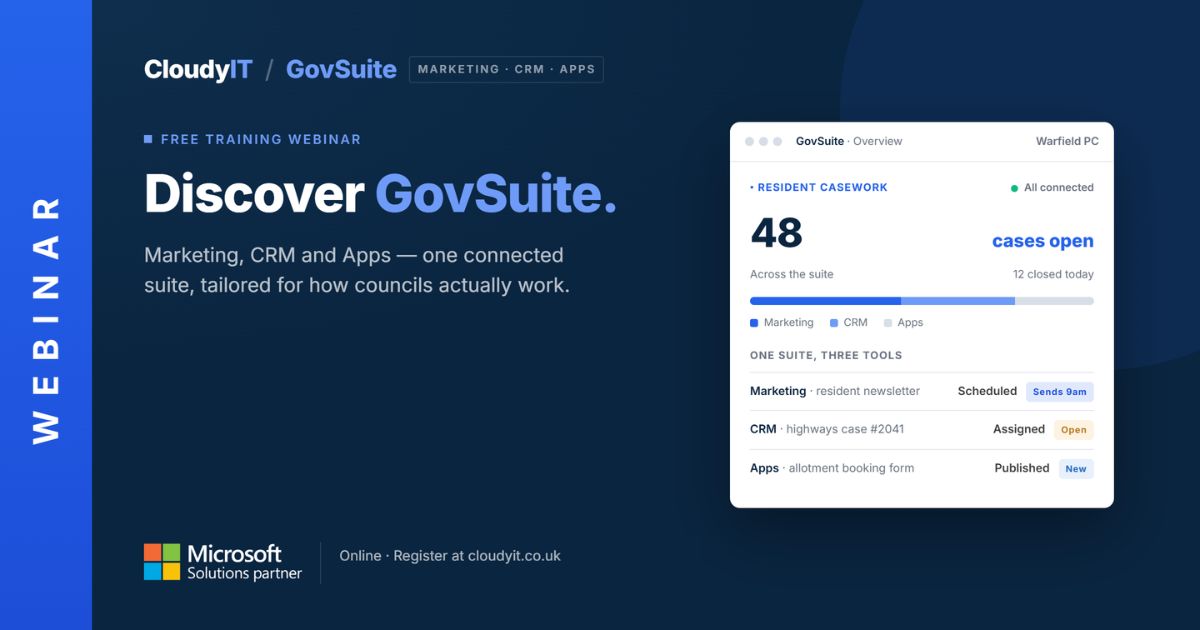
GovRedact: Safer, Simpler FOIs and SARs

Discover how GovRedact helps local councils manage FOI and SAR workflows: review documents, apply secure redactions, meet deadlines, and keep full audit trails. ...
10
December
11:30 am - 1:00 pm
Live Webinar + Q&A
£65 or equivalent Training Credit

Copilot Advanced

Use Copilot across Word, Outlook, Teams and other MS 365 apps to get more from your everyday work. For those already using Copilot and wanting to apply it effectively across Microsoft 365. ...

No event found!
Promotional graphic for a CloudyIT Digital Academy beginner live webinar titled "Teams Essentials for everyday communication." It lists Microsoft Teams topics covered—such as chat, mentions, running meetings, file locations, and notifications—and directs viewers to book at cloudyit.co.uk.
23
November
11:30 am - 1:00 pm
Live Webinar + Q&A
£65 or equivalent Training Credit

SharePoint Essentials for Smarter File Management

This beginner-level practical session helps councils take control of files across Teams, OneDrive and SharePoint so documents are easier to store, find, share, and manage. ...

Promotional graphic for a CloudyIT Digital Academy live beginner webinar titled "Copilot AI for councils." It lists the topics covered, including basics, security, finding documents, drafting content, and writing better prompts, and directs viewers to book at cloudyit.co.uk.
24
November
11:30 am - 1:00 pm
Live Webinar + Q&A
£65 or equivalent Training Credit

Copilot AI for Councils – Beginners

A clear starting point for council staff who are new to Microsoft 365 Copilot, this beginner-friendly session explains what Copilot is, what is included in Microsoft 365, and how to use it safely ...

25
November
11:30 am - 1:00 pm
Live Webinar + Q&A
£65 or equivalent Training Credit

Bookings for Simplified Appointment Scheduling

This session shows how councils can use Microsoft Bookings to manage appointments, services, venue reservations, and events more efficiently. ...

10
December
11:30 am - 1:00 pm
Live Webinar + Q&A
£65 or equivalent Training Credit

Copilot Advanced

Use Copilot across Word, Outlook, Teams and other MS 365 apps to get more from your everyday work. For those already using Copilot and wanting to apply it effectively across Microsoft 365. ...

No event found!
Promotional graphic for a CloudyIT Digital Academy live beginner webinar titled "Copilot AI for councils." It lists the topics covered, including basics, security, finding documents, drafting content, and writing better prompts, and directs viewers to book at cloudyit.co.uk.
24
November
11:30 am - 1:00 pm
Live Webinar + Q&A
£65 or equivalent Training Credit

Copilot AI for Councils – Beginners

A clear starting point for council staff who are new to Microsoft 365 Copilot, this beginner-friendly session explains what Copilot is, what is included in Microsoft 365, and how to use it safely ...

10
December
11:30 am - 1:00 pm
Live Webinar + Q&A
£65 or equivalent Training Credit

Copilot Advanced

Use Copilot across Word, Outlook, Teams and other MS 365 apps to get more from your everyday work. For those already using Copilot and wanting to apply it effectively across Microsoft 365. ...

No event found!
Promotional graphic for a free 60-minute CloudyIT webinar titled 'GovRedact: Safer, Simpler FOIs and SARs.' The banner highlights taking the hours and uncertainty out of information requests, accompanied by a Microsoft Solutions Partner badge. To the right, a preview of the GovRedact 'Review cockpit' software interface displays a statutory deadline countdown, redaction tags, and an active review panel with redacted email text
26
November
12:00 pm - 1:00 pm
Free 60-Minute Live Webinar + Q&A

GovRedact: Safer, Simpler FOIs and SARs

Discover how GovRedact helps local councils manage FOI and SAR workflows: review documents, apply secure redactions, meet deadlines, and keep full audit trails. ...

No event found!
No event found!
Promotional graphic for a free 60-minute CloudyIT webinar titled 'GovRedact: Safer, Simpler FOIs and SARs.' The banner highlights taking the hours and uncertainty out of information requests, accompanied by a Microsoft Solutions Partner badge. To the right, a preview of the GovRedact 'Review cockpit' software interface displays a statutory deadline countdown, redaction tags, and an active review panel with redacted email text
26
November
12:00 pm - 1:00 pm
Free 60-Minute Live Webinar + Q&A

GovRedact: Safer, Simpler FOIs and SARs

Discover how GovRedact helps local councils manage FOI and SAR workflows: review documents, apply secure redactions, meet deadlines, and keep full audit trails. ...

No event found!
Free CloudyIT Smart Chamber webinar banner promoting hybrid-ready and broadcast-enabled council meetings. The banner features the headline “Hybrid-Ready: and Broadcasting for Meetings for the Modern Chamber” alongside a Smart Chamber agenda dashboard showing a live council meeting, agenda progress, voting status, minute approval, and participation from both in-room and online attendees. Supporting text highlights agendas, voting, and minutes that keep pace with modern hybrid meetings. Microsoft Solutions Partner branding and webinar registration information are displayed at the bottom.
24
November
12:00 pm - 1:00 pm
Free 60-Minute Live Webinar + Q&A

SmartChamber: Hybrid-Ready Meetings for the Modern Chamber

This session shows how the right audio-visual set–up, councillor devices, and meeting software turn a patched-together meeting into one that works for everyone, whether they’re in the room or at home. ...

No event found!

WEBINAR & WORKSHOPS FAQ'S

Terms & Conditions for Participating in the CloudyIT Council Mastery Series Webinars:

Session Costs

Some of our webinars have a small charge for attending:

  • Non-CloudyIT customers are charged £65 per attendee.
  • CloudyIT customers who have training credits can utilise 1 of their credits per attendee. 

Please note: A CloudyIT customer is defined as a customer with an active service, including Microsoft 365, Support, Decisions, Apps, or Finance. 

Invoice and Payment

Upon signing up for a session, an invoice will be raised, requiring immediate payment. 

Cancellation Policy

If you wish to cancel your registration, a minimum of 24 hours’ notice is required to be eligible for a refund. 

Please note: A CloudyIT customer is defined as a customer with an active service, including Microsoft 365, Support, Decisions, Apps, or Finance. 

Microsoft 365 Subscription Requirement

Whilst it’s beneficial to have a Microsoft 365 subscription to fully engage in our sessions, it’s not a compulsory requirement. Should you not have a subscription, CloudyIT is ready to assist. Feel free to get in touch to explore licensing alternatives. 

Dual Screen Set-Up Recommendation

To enhance your learning experience, we advise joining our webinars with two screens available –  one to watch the trainer and another to follow along. If you don’t have access to two monitors, using two separate devices is a viable alternative. 

Arrival Recommendation

We recommend joining the session at least 5 minutes before the scheduled start time to ensure your equipment is working properly and avoid delays. 

Length

All sessions at 90 minutes will be scheduled every other month, except Copilot AI to Support Minute Writing which is 60 mins.